

Your new gas detectors have arrived, and the order details and supplied items have been checked. It is time to deliver them to the user department—but is the manual still in the buyer’s inbox while the charger sits separately in storage? Handing over “documents to open, a place to return the equipment, and a person to ask” with the equipment makes preparation for first use much clearer.
Organize the documents and responsibility information around a single equipment identification sheet. The aim is for recipients to identify their own device, open the required manual, and understand storage and charging arrangements for the next use.
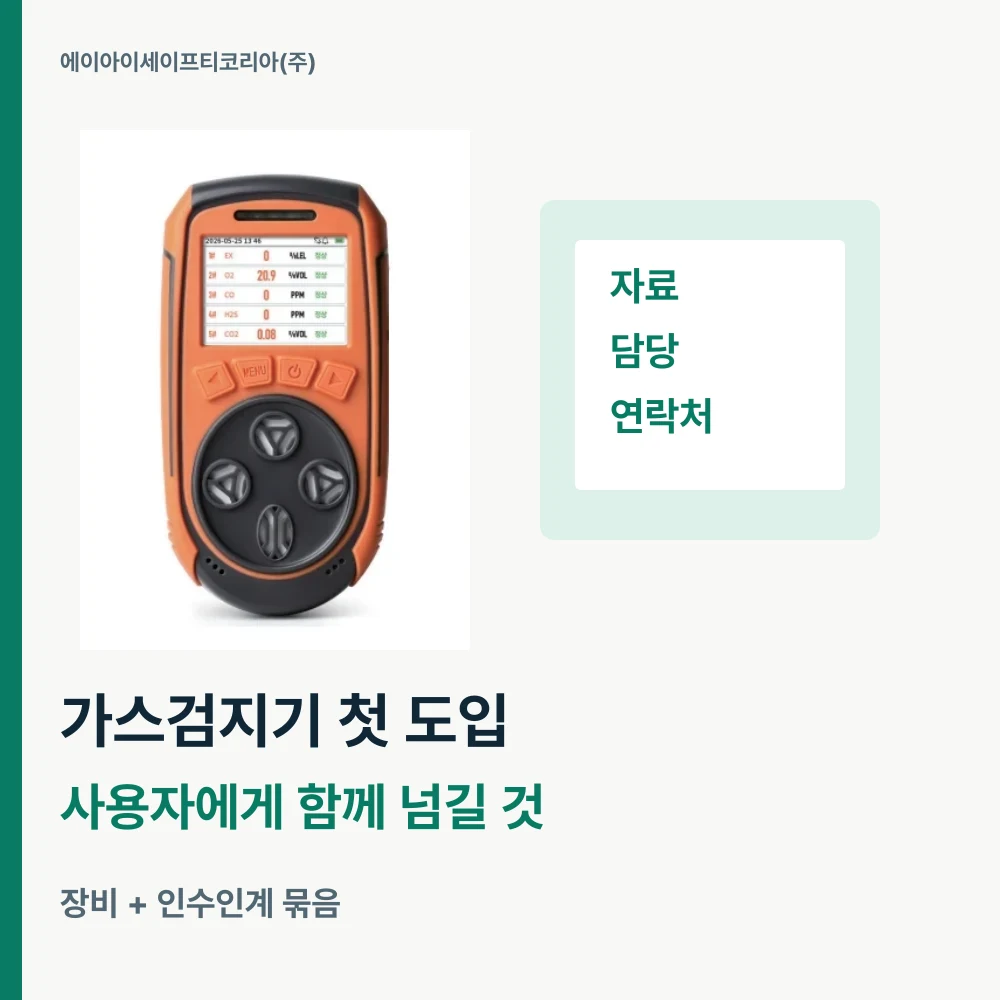
Begin with a name that identifies each device
When several devices of the same model are purchased, the product name alone makes it difficult to distinguish which unit someone received. On the handover list, place model, device serial number, internal asset number and receiving department side by side. If a new internal number is created, link it to the device’s identification information.
Keep product photos as well. A front view helps recognize the model, while a photo of identification markings distinguishes the individual unit. When the user department asks a question, sharing both asset number and model is more useful than saying “the equipment we just received”: everyone can discuss the same device.
Once the number is set, use it on the case and document folder too. For example, putting the asset number at the beginning of the folder name makes documents easy to find even after personnel changes. Link chargers, cables and other items handed over with the unit to the received-items list.
Arrange product documents in the order users open them
Quotation documents reviewed by purchasing serve a different purpose from documents users frequently consult. Put the product name and document list first, followed by links to the user manual and product details. Indicate the internal location of purchasing records separately to keep the user folder simple.
If you introduced GD5 PRO, you can state in one line that it measures oxygen, carbon monoxide, hydrogen sulfide, combustible gas and carbon dioxide. Its catalog and user manual are available on the GD5 PRO product page. Connecting the product’s main purpose with the actual documents makes it easier for a new person in charge to follow the information.
When saving files, include model, document name and date received. If several files share the same name, clearly identify the one to use in the handover list. For linked documents, check together that the recipient can open them on their own computer or phone.

Connect storage location and charging responsibility on one line
The next user will first look for where the equipment is. On the handover sheet, write the return location after use and the case storage location, together with the person or department responsible for preparing charging. Specific names such as desk drawer or equipment cabinet help people find the place.
Check the charger and cable along with the device. Make the charging instructions in the manual easy to find, and record where the charging setup is kept. If usage times change or equipment moves to another department, update both the responsible person and return location.
There is a simple way to reduce the gap of “someone will charge it.” Specify who is responsible at every link in return → condition handover → charging preparation → handover to the next user. At this stage, also share the usage plan anticipated during product selection.
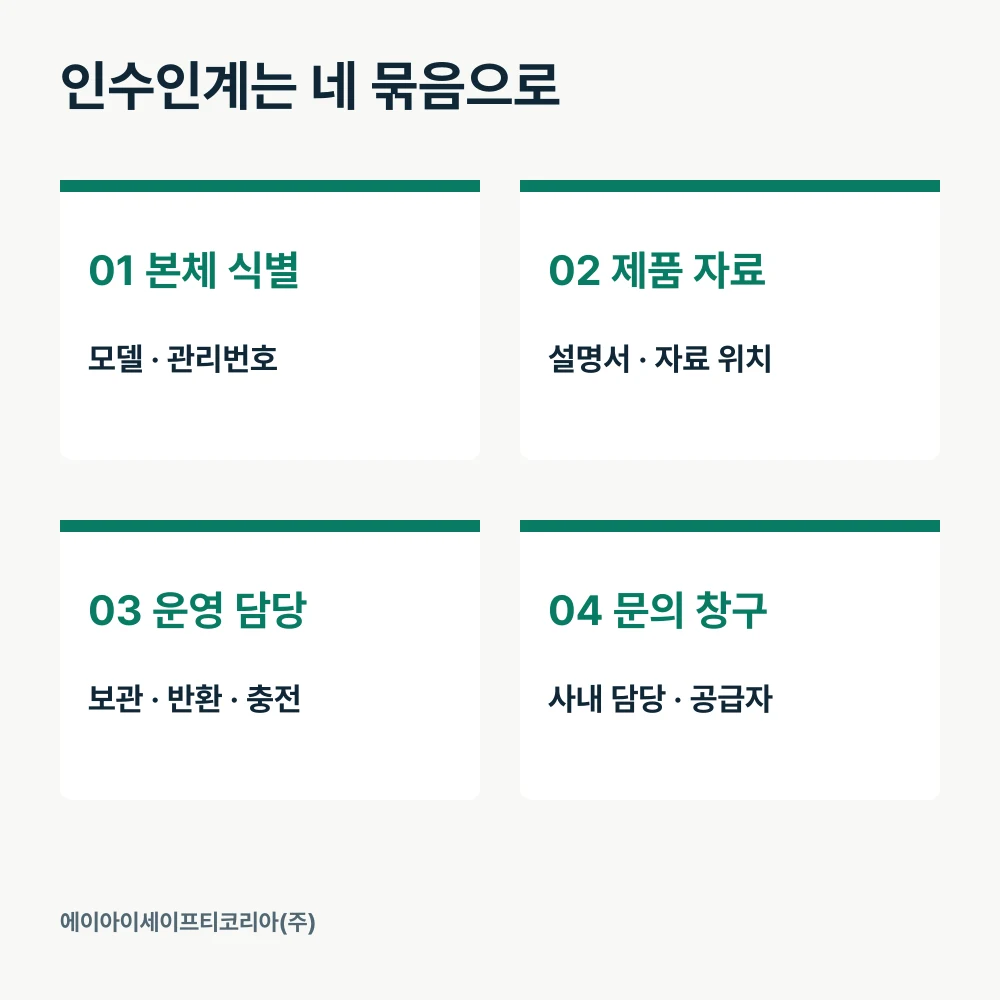
Start with just four groups on the handover sheet
There is no need to build a complicated management system from the outset. Create a one-page sheet around recipients’ common questions and link to detailed documents.
Group | Information to record | Answer the recipient can find immediately |
|---|---|---|
Equipment identification | Model, serial number, asset number, department | Which device did I receive? |
Product documents | Manual, catalog, document location | Where do I open the operating guidance? |
Operating responsibility | Storage location, return point, charging owner | Where do I take it after use? |
Contact route | Internal contact, supplier inquiry channel | Who should receive my question? |
When handing several units to one department, manage shared manuals separately from individual identification sheets. Keep common documents in one location and record device-specific information in each equipment listing. This also reduces repeatedly saving the same manual into several folders.
Record the handover date, sender and recipient together. After checking the unit and documents, the recipient enters their name in the receipt confirmation field. Link the person responsible for return after use and charging preparation from that day to the same sheet. When departments or responsible people change, update the relevant fields and effective date together.
Let recipients find the information themselves to reveal gaps
Before completing delivery, check briefly with the recipient. Practical questions such as “Shall we open this device’s manual?” and “Where should it be returned after use?” reveal missing information.
Check that the model on the unit matches the handover sheet.
Find the device’s document folder by its asset number.
Open the manual and product detail links personally.
Confirm storage locations for the supplied charger and cable.
Confirm the return location and charging preparation owner.
Find the internal product contact and supplier inquiry channel.
Finally, the recipient checks the user responsible, return location and charging preparation owner once more and records the receipt date. Linking purchasing’s delivery record and the user department’s receipt record with the same equipment number makes it clear who will prepare the next use.

Connect purchasing and preparation for use in one process
When introducing new equipment, organize the receiving department, planned start date and required documents together to discuss handover preparations as well. Tell us whether the equipment stays in one department or is shared in turn. Product configuration and the documents users should receive can be reviewed together.
Tell AI Safety Korea Co., Ltd. your intended model, user department and required documents. Discuss the details from selecting the product through the complete handover package for users.
Discuss gas detector introduction and configuration
