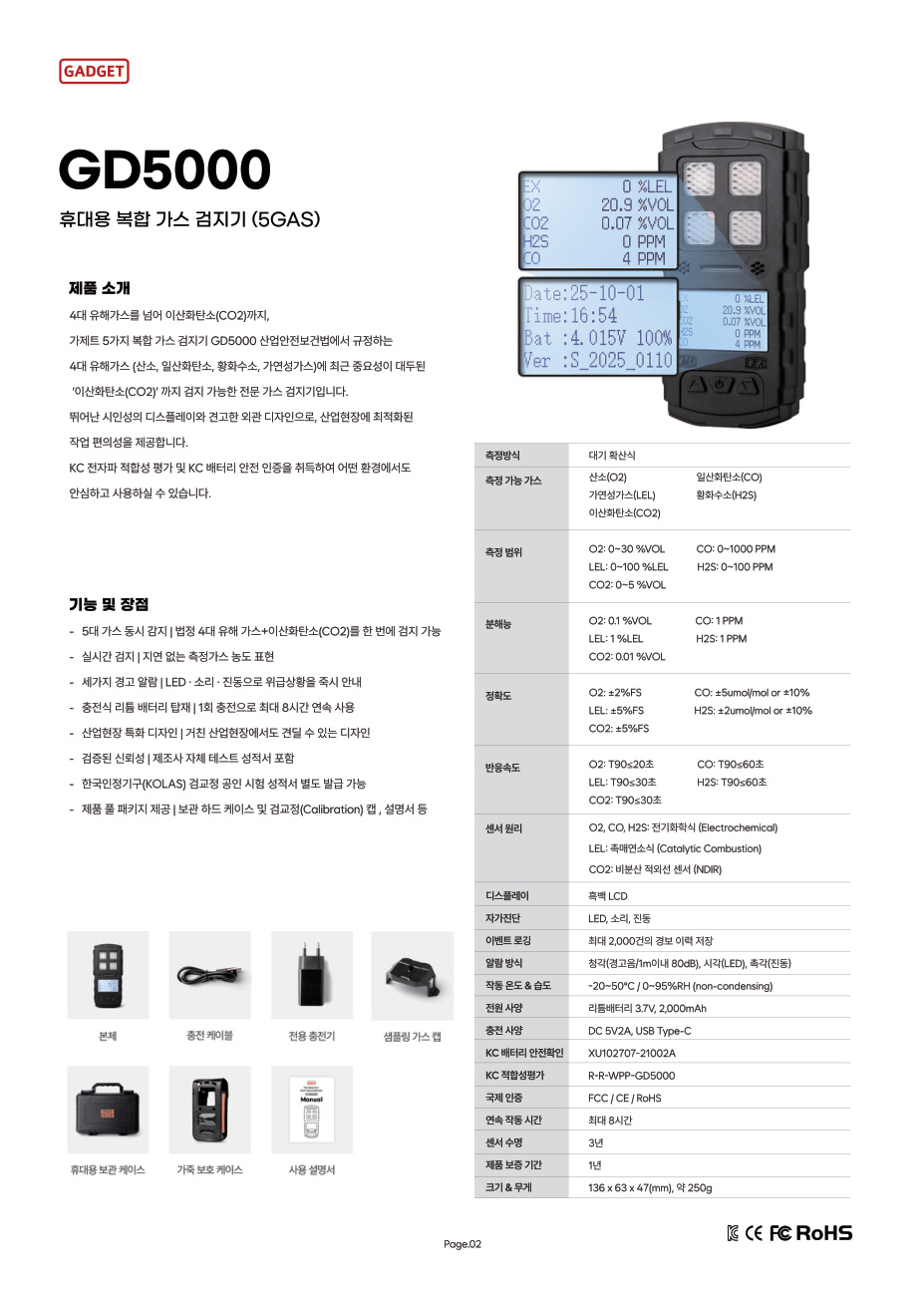
You have shortlisted a few gas detectors, but when you share them with your team, every model has different photo angles and descriptions. One product has only a front view; another is inside a case, making the unit difficult to inspect. Request front, side, accessories and label photos in the same order before comparing the actual units, and you can assemble the materials for your purchasing review in one go.
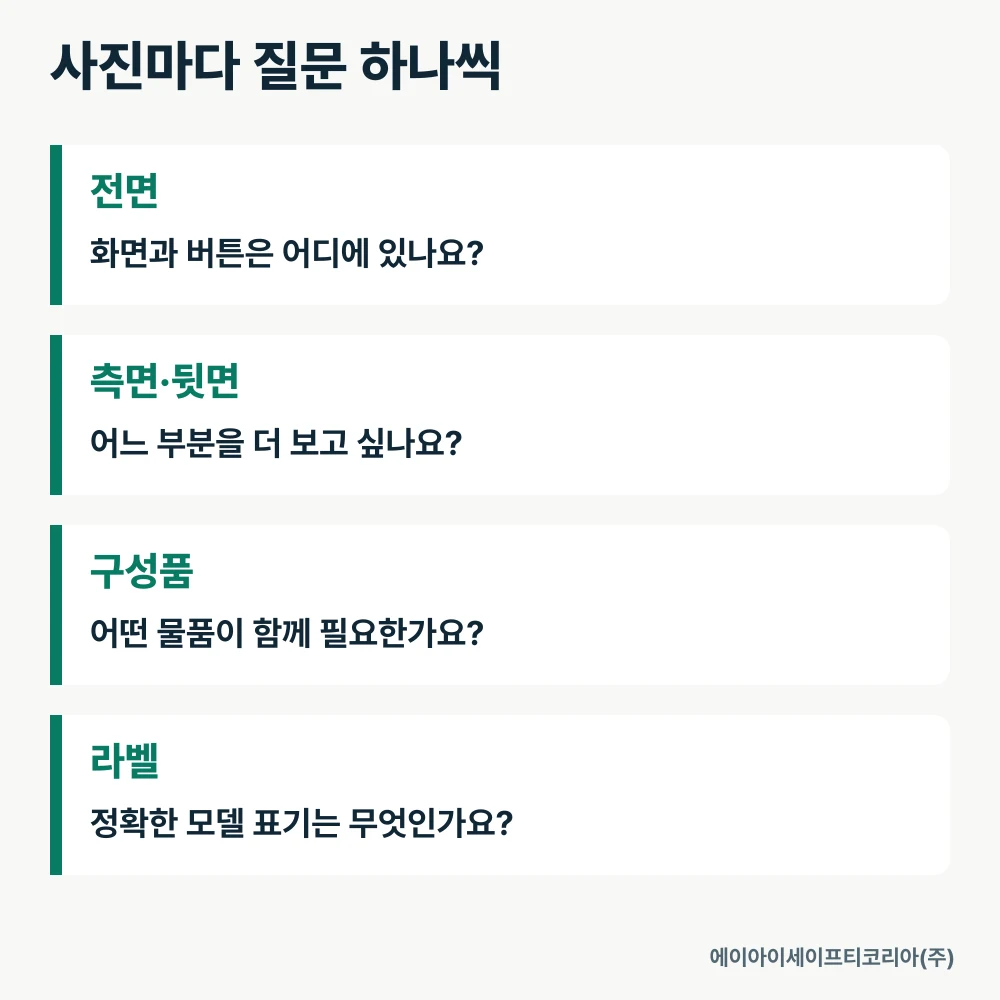
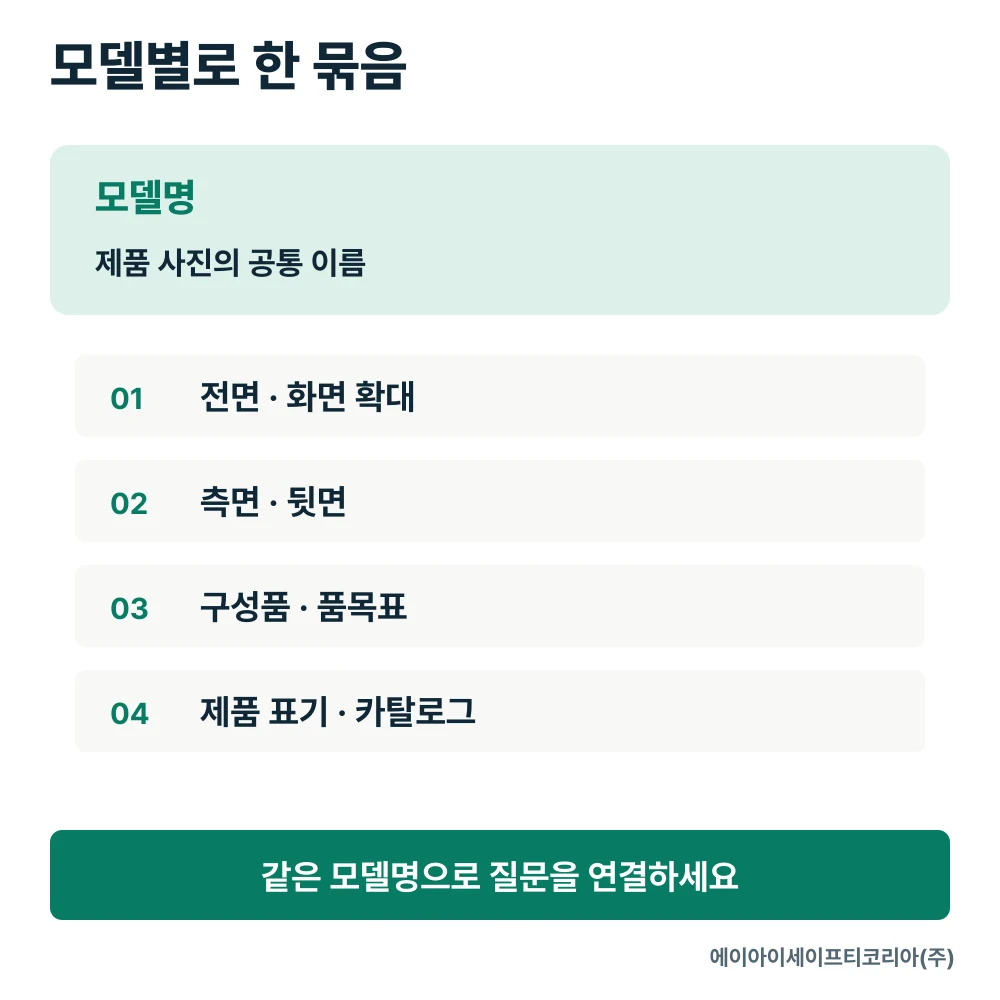
Attach one question to each photo. Use the front view to check the screen and button layout, the side view to understand the body shape, the accessories photo to see what you need to prepare, and the label to identify the exact model designation. Link the catalog for that model, too, so you can move easily between appearance and specifications.
Start by naming the models you want to compare
“I would like to compare front and side photos of the GD5 PRO and GD5000” makes your request clearer than “Please send photos of similar gas detectors.” If you are replacing an existing unit, list the current model alongside the new candidate.
Add a brief purchasing purpose. The photos you need will differ depending on whether you are looking at the product for the first time, checking the screen position with an operator, or reviewing storage space. This also helps your team agree on which details to enlarge in the same set of materials.
Use the model name exactly as it appears on the product detail page. Keeping even the spacing in GD5 PRO consistent across filenames and comparison tables lets other colleagues find the same materials with the same search term.
Front photos should show both the screen and buttons
Ask for one front photo showing the entire unit and another showing the screen and buttons in detail. The full view explains the overall appearance, while the close-up shows labels and the arrangement of the controls.
As the recipient, decide what you want to inspect, such as “Where are the buttons?” or “Which items are distinguished on the screen?” Display the model name beside the image and link the target gases and measurement ranges to the catalog table for that model. Each photo and specification table then has a clear role.
For example, if you identify the GD5 PRO from its front view, keep the GD5 PRO product details open alongside it. Read the description for the points that caught your attention in the photo, then ask specifically about any other areas you want to see.
Specify what you want to see on the sides and back
When asking for a side photo, name the detail you are interested in—body thickness, the shape of the back, or the location of a connector—instead of simply saying “side view.” Trying to fit everything into one image can make the area you need to inspect too small.
If you are reviewing portability or storage, prepare the dimensions of the space you will actually use. Compare the body size using the catalog dimensions, and use side and rear photos to understand its shape. The discussion becomes more specific: you can review the required space and form together rather than merely saying that the product “looks small” in a photo.
For connectors, request both a view showing the overall location and a close-up. This makes it easy to show which part you mean when discussing additional accessories.
Request laid-out accessories and an item list together
A photo of the contents inside the case helps explain the storage arrangement. A photo with the accessories laid out, accompanied by their names, makes it easier to review what to purchase. You can distinguish the main unit, charging items, storage items and connecting accessories.
Ask for each item in the photo to be numbered, with the same numbers on the item list. Put name, quantity and inclusion in this quotation side by side. If you plan to continue using items you already own, provide their model names and markings as well.
Material to request | Information to include | Purchasing review task |
|---|---|---|
Full photo of the main unit | Model name | Distinguish candidate models |
Full photo of accessories | Number for each item | Find the items you need |
Item list | Name, quantity and inclusion | Compare with the quoted package |
Additional detail photo | Location or part of interest | Make consultation questions specific |
Materials organized this way also help purchasing staff and actual users communicate. Users can refer to the item number, and purchasing staff can find the same number in the quotation.
Keep label photos as model identification records
If you are reviewing several units together, request photos with readable model markings. These are especially useful when comparing equipment you already own with candidates for an additional purchase. Include the model name and photo type in the filename, adding an internal equipment number if you need to distinguish individual units.
Letters and numbers on the label should be legible without reflections. If the relevant area appears too small, request a new close-up rather than enlarging one photo excessively. When preparing materials for consultation, focus on the model and product markings related to your question.
For example, organize files as `Model_Front`, `Model_Side`, `Model_Accessories` and `Model_ProductMarkings` to make them easy to find in email or shared folders. Record the date received and the name of the linked catalog so you can carry the same reference forward to your next review.
Put your photo request into one message
You do not need a long request form to start. Begin with the following information.
“The models under review are the GD5 PRO and GD5000. We would like to see the full front and a close-up of the screen, the sides and back, all accessories, and the model markings. Please also provide the catalog for each product and the item list for this quotation.”
Change the names to the models you are considering and add one line about the detail that interests you most. For a replacement, send photos of the current model; for storage planning, include information about the intended case and storage space.
When you receive the materials, check in order that all four types of photos are present, the model names match, and the requested details are visible. Your follow-up can then be specific: “I would like to confirm the name of accessory No. 3 and the main unit it connects to,” rather than “Please send more photos.”
Tell AI Safety Korea Co., Ltd. which models you are considering and what you want to see. We will review the product materials and purchasing package needed for your comparison together.
Ask about product photos and purchasing