
A detector purchased at the start of a project moves to another crew a few months later. Its storage location changes, and the new custodian starts looking for the latest documents. Keeping current unit information separate from dated changes makes it easier to see both where it is now and what has changed along the way.
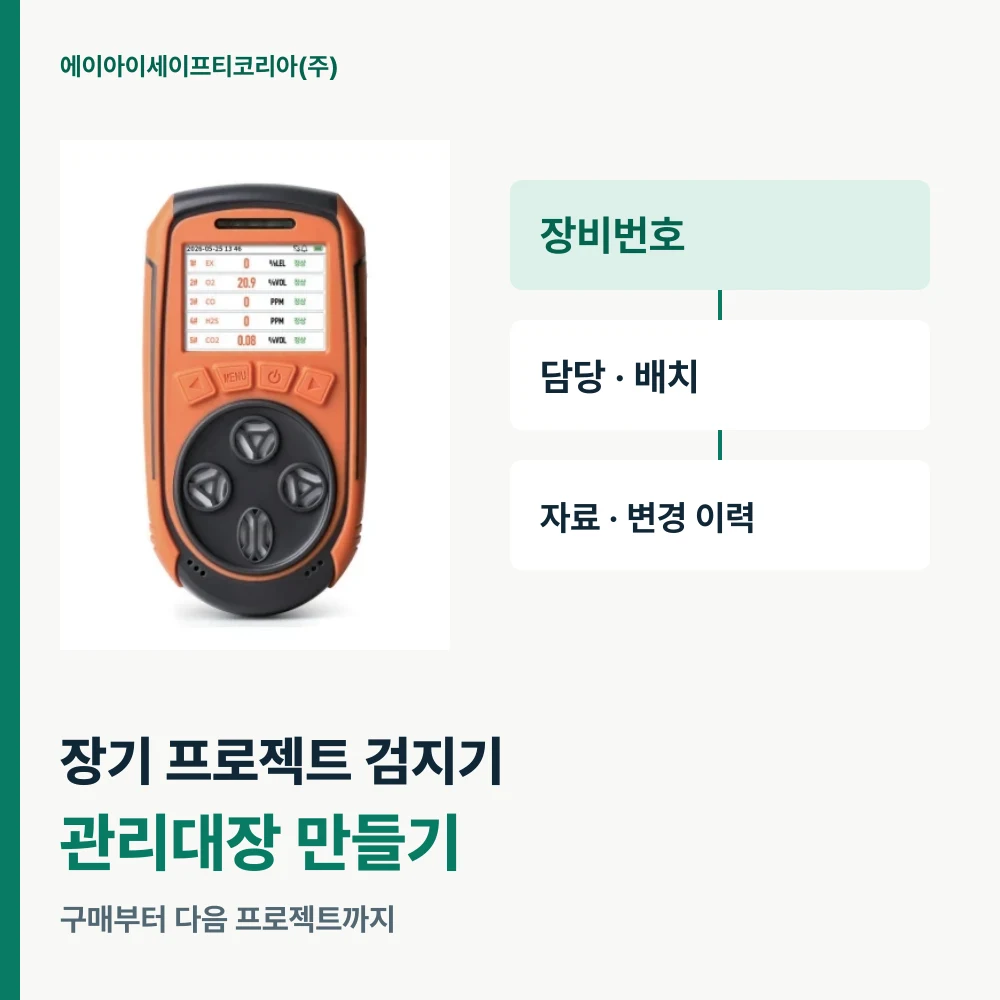
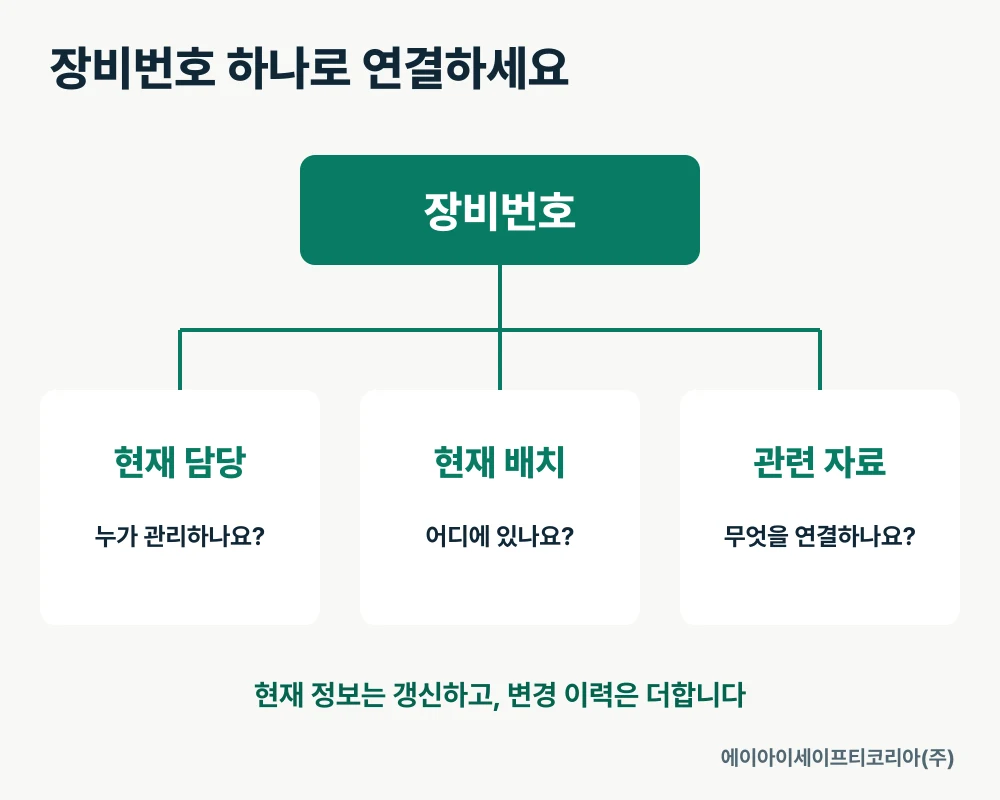
Start with one equipment ID. Use it to connect the unit, custodian, assignment and related documents. The list created at purchase becomes a management record that supports project closeout and the next purchase.
Separate the current status and the history into two views
If you keep overwriting the custodian’s name in one register cell, you can see who is responsible now but have difficulty finding earlier records. A useful approach is to keep the latest custodian and location in a master table, then add a row with the date and details of each change to a history table.
You do not need many fields at the outset. Let one row in the master table represent one detector, while several rows in the history table refer to the same equipment ID. This structure works in Excel or an existing asset-management form.
Section | What to record | Question answered |
|---|---|---|
Master table | Equipment ID, model, unit identification, current custodian, current location | Which unit is managed by whom now? |
Change history | Date, equipment ID, changed field, before and after, recorder | What changed, and when? |
Document list | Equipment ID or model, filename, document date, storage location | Where are the related documents? |
A consistent equipment ID connects all three tables. Search broadly by model, then narrow the results to an individual unit by equipment ID.
Keep the equipment ID and update the assignment
Record both your internal equipment ID and the serial number on the unit. Even when model names are identical, unit identification distinguishes individual detectors. When the project changes, find the existing ID linked to the unit and continue its record to keep documents together.
Use location names that the people responsible actually recognize. A searchable location such as “Building A equipment room” or “mechanical team cabinet” is more useful than “site.” When responsibility changes, also update the new contact and effective date.
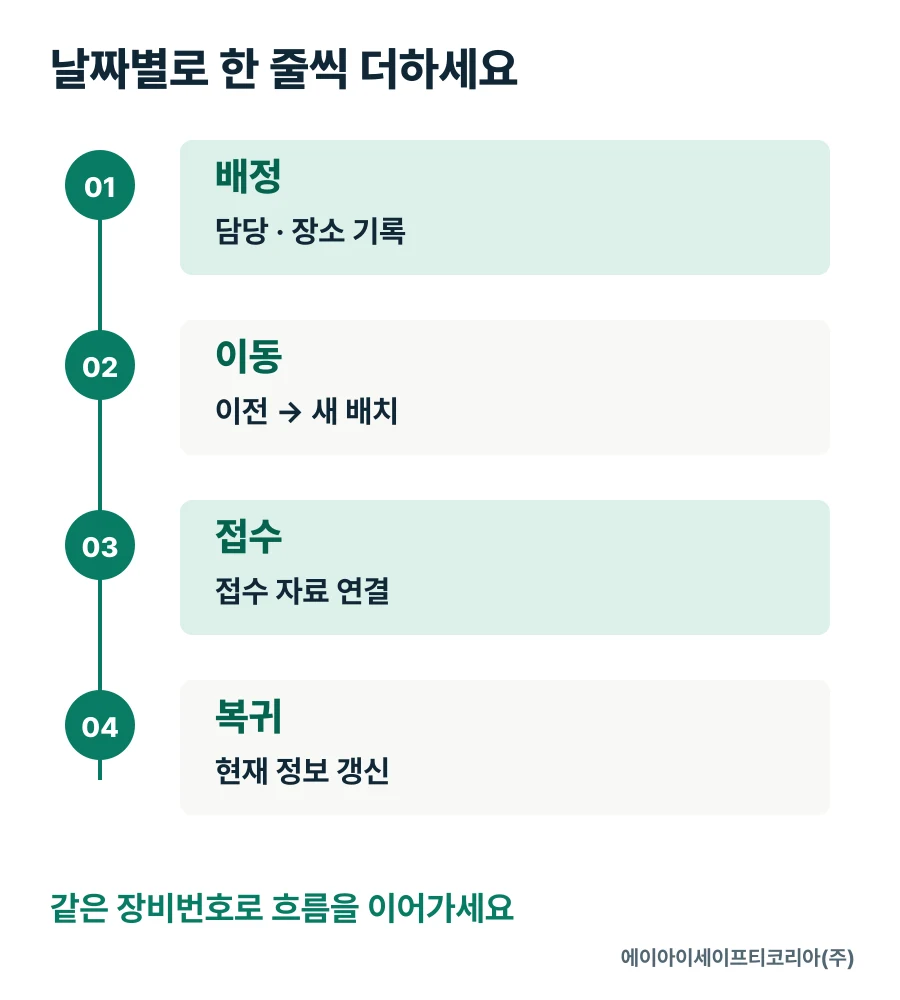
For example, if the management ID is P-017, enter the current custodian and location in the master table. Add history under the same ID whenever its management status changes, such as a crew reassignment, external inspection intake or return. This ID illustrates the recording method below.
Record the date and the new status on each change-history row
For records that will be maintained over time, filling fixed fields is easier than writing long sentences. Instead of only recording “handover completed,” note the previous and new custodian and where the documents were placed.
Adding rows by date lets you find earlier statuses. If relocation and an inspection request happen on the same day, record each separately and link the relevant reference number or file location. The sequence remains clear when you open the records later.
Dated record field | What to enter |
|---|---|
Equipment ID | The same ID as in the master table |
Changed field | Custodian, assignment, configuration, documents, inspection intake, etc. |
Before and after | A brief description of the previous and new status |
Linked documents | Filenames and locations of handover sheets, intake details and responses |
Recorder | The person who entered or checked the details |
Match field names to the language your team uses. If one person calls a change a “move” and another calls it a “transfer out,” searching becomes harder. Agreeing on a few frequently used terms helps organize long-term records.
Connect model-wide documents and unit-specific records
Manuals and catalogs are found by model name. Inspection responses and intake records for an individual unit are easier to find by equipment ID. Distinguishing “model-wide” and “individual unit” in the document list helps a new custodian quickly choose the right files.
GD5 PRO is a portable multi-gas detector that measures O₂, CO, H₂S, LEL and CO₂. The GD5 PRO product page provides model information, a catalog and a manual. If you introduce several units, keep shared documents in one place and link to them from each unit’s records.
When new documents arrive, record both the document date and the date received, rather than merely renaming the file. A new custodian can find the latest documents first and also check the documents used at the time when reviewing older records. Agree that everyone exchanging files will update the same document list.
At project closeout, extract information for the next purchase
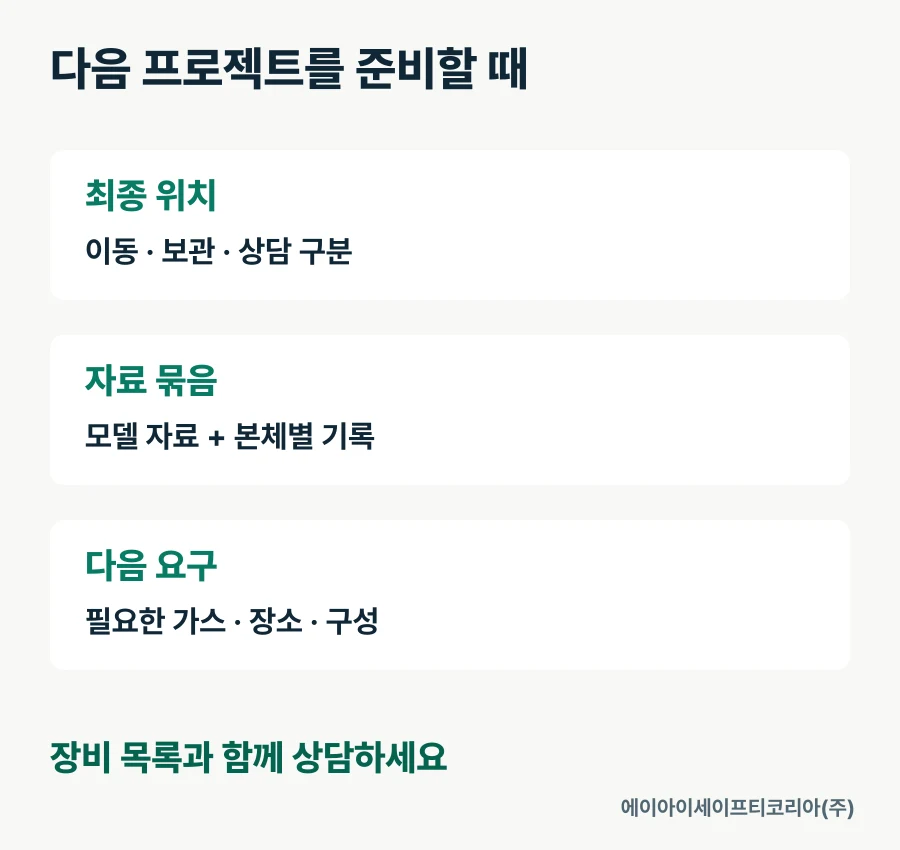
At the end of a project, record each unit’s final location and next management contact. Grouping units scheduled to move, units to store and units needing an inspection consultation makes the next task easier to prepare. Update the accessory list to reflect the final handover too.
Look for recurring questions in the change history. Were documents frequently requested again? Did checking the configuration take time at every move? Did the number of user departments increase? These observations make the next purchasing consultation more specific. Alongside equipment selection, you can prepare storage, document handover and management contacts.
If the next project involves different work, list the required gases and locations again. Adding new requirements to the existing equipment list helps you discuss both reuse and additional purchases.
Prepare your equipment list and discuss the configuration
If you are creating a register for the first time, start with these fields.
Check the model name and identification on each unit.
Use the same internal equipment ID in the master table and history table.
Record the current custodian and actual storage or assigned location.
Connect recent moves, intake and returns in date order.
List storage locations for shared model documents and individual unit records.
Separately record the gases, locations and quantities requested for the next project.
Tell AI Safety Korea Co., Ltd. which models you own, share your equipment list and describe the configuration needed for the next task. We can review product documents and your introduction plan together.
Discuss equipment configurations and product documents
