
The gas detector you sent for repair or inspection has returned. The person who arranged the service knows which symptoms prompted the request, but the next user may not know what instructions and documents came back. Connect the returned unit to its service documents and add the latest results to its earlier management records. This makes the equipment’s history easier for the next user to find.
A useful sequence is “check the unit → collect this service record → connect earlier records → hand over to the user.” Unlike preparing to purchase new equipment, the focus here is on keeping the history of equipment already in use continuous.
Match the returned unit to its paperwork first
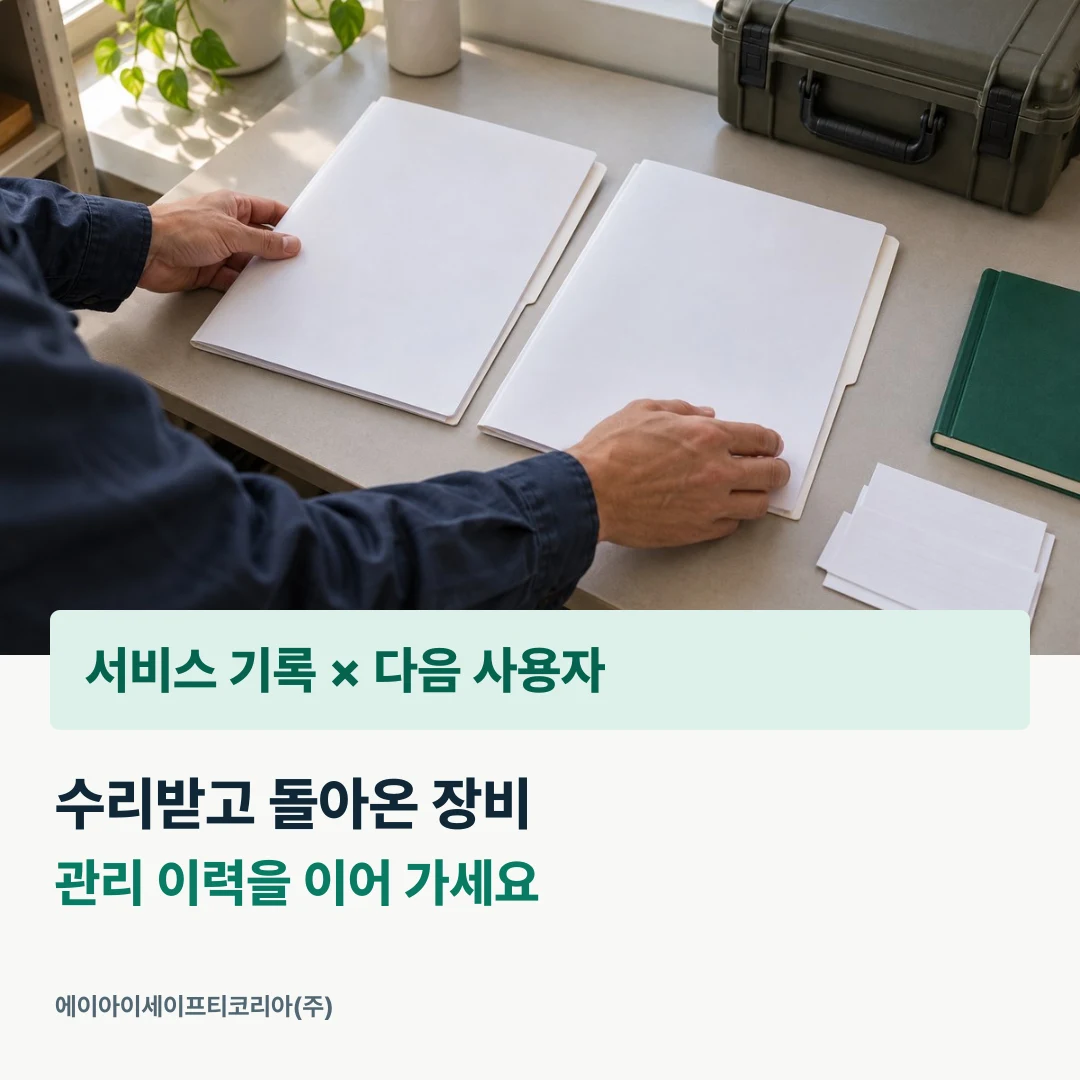
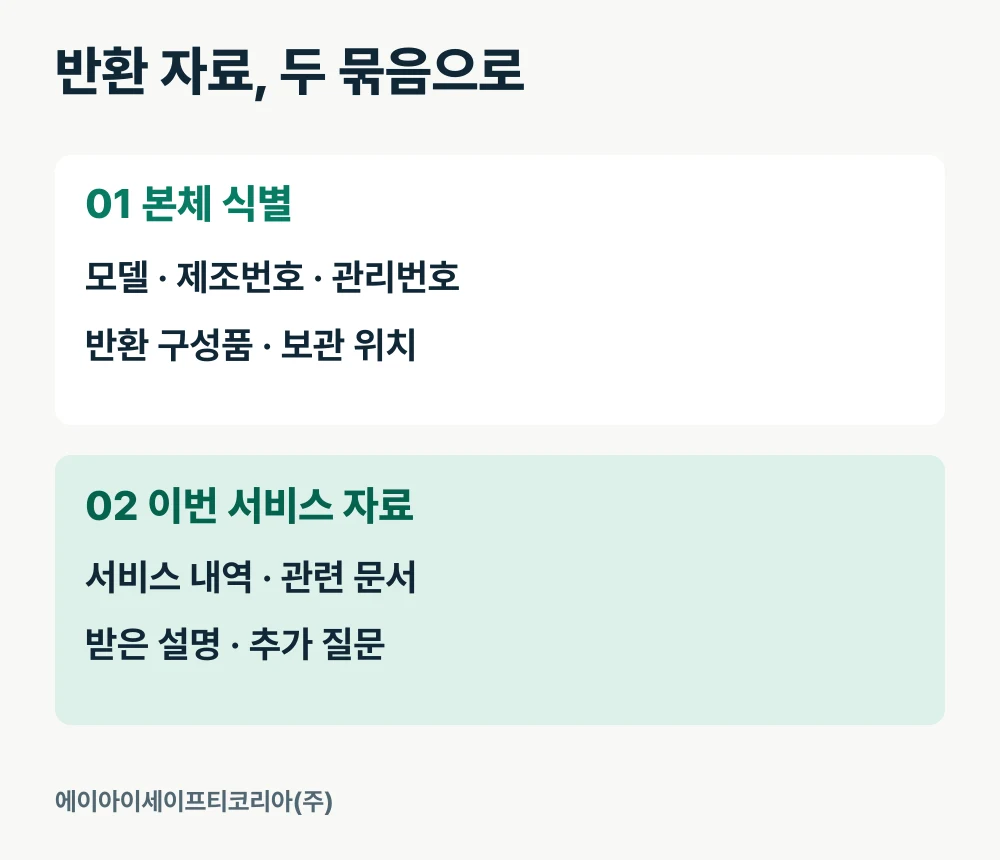
If you sent several units together, separate the documents by individual unit, even for the same model. Check the model name, serial number, and internal asset number, then connect each unit to its service record. Photos and the equipment register saved when you submitted the request can make identification easier.
Compare the returned accessories against the list made before shipment. If a charger, case, or other items went with the unit, keep them together as one set. Where several people manage equipment, recording the storage location also reduces the time the next person spends finding the unit and accessories separately.
Mark any model name or identification details in the paperwork that do not clearly connect to the unit as questions to ask. Labeling them, for example, “items to confirm in Unit A’s service record” makes it clear which equipment each question concerns and simplifies the follow-up consultation.

Keep the latest service information together
Collect the work items and results explained during this service, together with the documents provided. Record the symptoms reported at the start separately from the service representative’s explanation so the sequence remains clear when someone reads the history later.
For example, place “observations when the request was submitted” at the beginning of the record and “explanations and documents received this time” after them. Date each item and link the original documents. Details that are difficult to find in a short summary can then be checked again in the original material.
AI Safety Korea Co., Ltd. accepts consultations on checking readings, calibration, and fault symptoms. Guidance on the service process is based on the submitted information and an equipment check. Questions about the scope you requested and the documents you received can be followed up through the calibration and repair service guide.
Add the new information after the earlier records
Keeping the latest documents only in a separate folder can make earlier history harder for the next coordinator to find. Add a line for the latest service date to the equipment’s management register and link the relevant file location. A chronological sequence makes it easier to review the care and service that the same unit has received.
Use one consistent order for filenames too. A format such as “asset number_service date_document type” makes files easier to locate in a folder. If you have many units of the same model, use the asset number or serial number as the search key.
Leave earlier records as they were at the time and enter the latest results as a new item. Separating coordinator notes from service documents also makes each document’s purpose immediately clear. If you move files, update the locations linked in the management register as well.
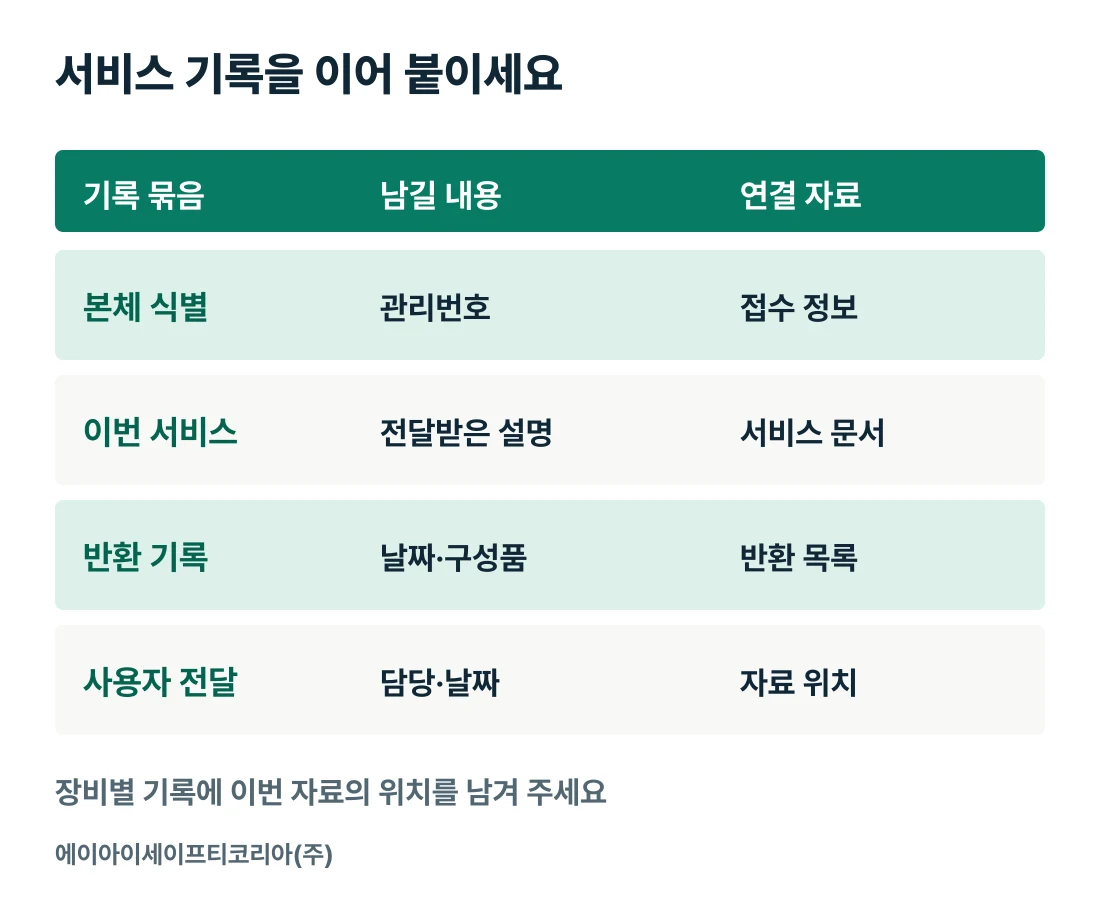
Record group | Information to retain | Material to link |
|---|---|---|
Unit identification | Model name, serial number, asset number | Unit details recorded at submission |
Request history | Submission date and observed symptoms | Photos and request details from that time |
Latest service | Work details and explanations received | Service record and related documents |
Return record | Receipt date, accessories, storage location | List prepared upon return |
User handover | Documents shared, person responsible, date | Location of the latest guidance |
Update the guidance the next user will look for
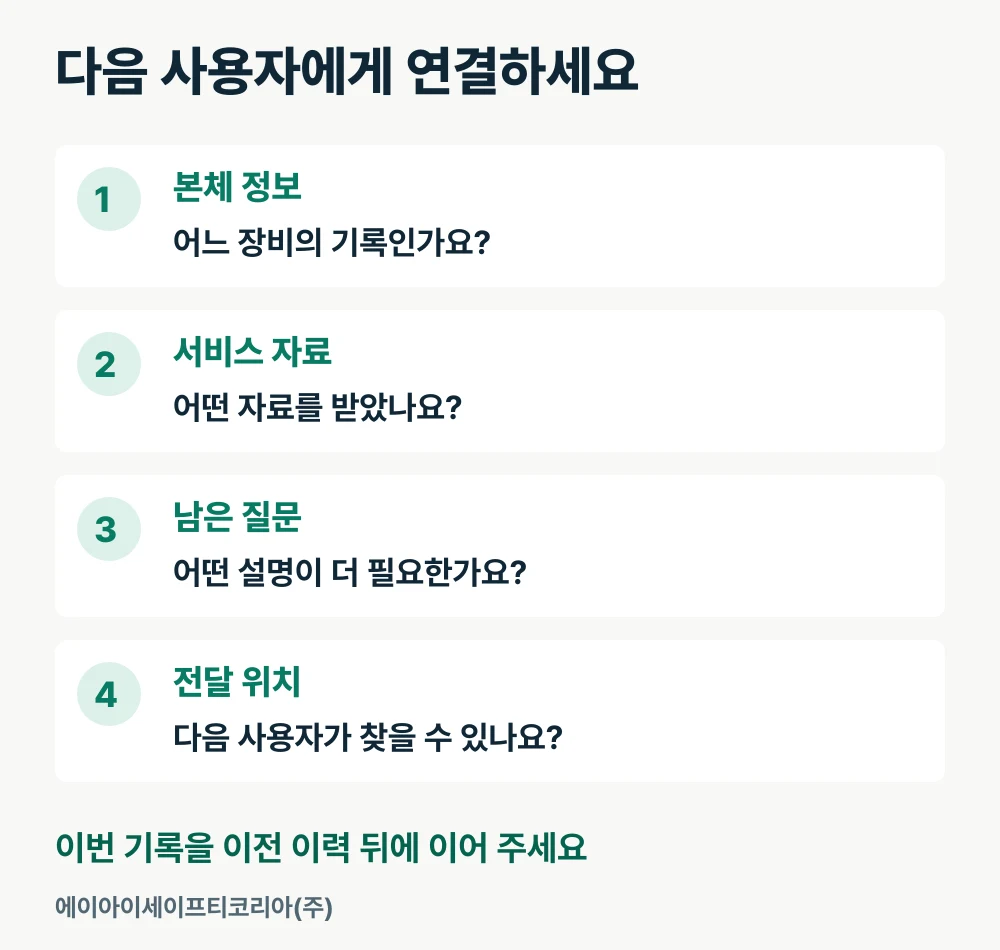
Give the next user the location of the latest service record together with the relevant instructions. Briefly separate the reason for sending the equipment, the explanations received this time, and any questions still to confirm. If any guidance differs from earlier documents, also point out where to find the updated material.
If you use a shared folder, check that the user can actually open it. Finding the folder through the asset number associated with the unit makes the handover easier. Where printed documents are also kept, explain where the unit and its paperwork are stored.
Share equipment-specific instructions using the relevant model documents and the information supplied by the service representative. Divide responsibilities so the record keeper checks document locations and changes, while the next user checks the explanations they need and any outstanding questions. This keeps the guidance after this service connected even when the person responsible changes.
Keep outstanding questions in the equipment history too
If questions arise while you organize the documents, write down both the relevant document item and the question. Making it clear “which part of this service record needs further explanation” helps you attach the answer to the same record later.
When the consultation is complete, add the response date and the information received. The next coordinator can then find the earlier answer before repeating the same question. Even when you send questions about several units at once, separating them by unit makes it easier to connect each answer to the correct history.
Finally, leave the coordinator’s name and the date the record was updated. This shows how much of the latest material has been incorporated and helps you quickly prepare recent history the next time the equipment is sent for service.
Send us your questions about service documents
When preparing a follow-up consultation, gather the following information into one set.
Manufacturer, model name, serial number, and internal asset number
Submission date and return receipt date
Service record and related documents received this time
Document items requiring further explanation
Guidance to share with the next user and outstanding questions
Tell AI Safety Korea Co., Ltd. the equipment’s model name and your questions about its service documents. We will connect you with a consultation to carry the explanations received this time into the next management record.
Ask a follow-up question about your service record