When several people share one GD2000, is preparing a charger and case enough to manage it for the next user? Charging supplies power to the battery; a case stores the instrument and its accessories. Neither one confirms that the sensors will respond properly to gas.
Charging prepares power; a measurement check examines function
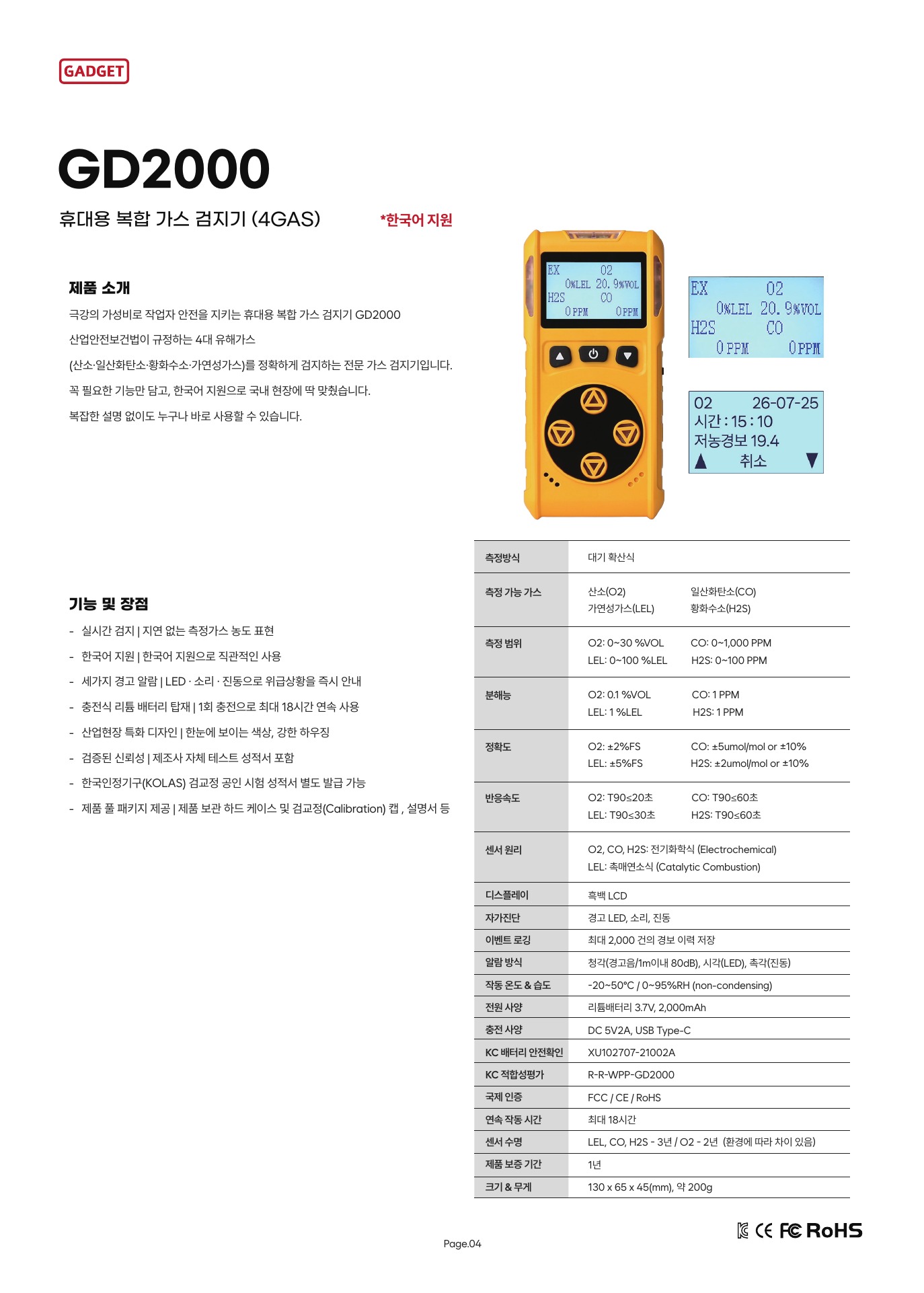
The GD2000 user manual specifies a USB Type-C, 5 V/2 A charging input. This describes the input specification for supplying power to the instrument. The battery stores electrical energy, which the instrument’s operating components, display, and alarms use. A fully charged battery is information about the battery; it does not confirm sensor response or alarm function. Conversely, a functional check does not mean there is enough battery energy for the next use.
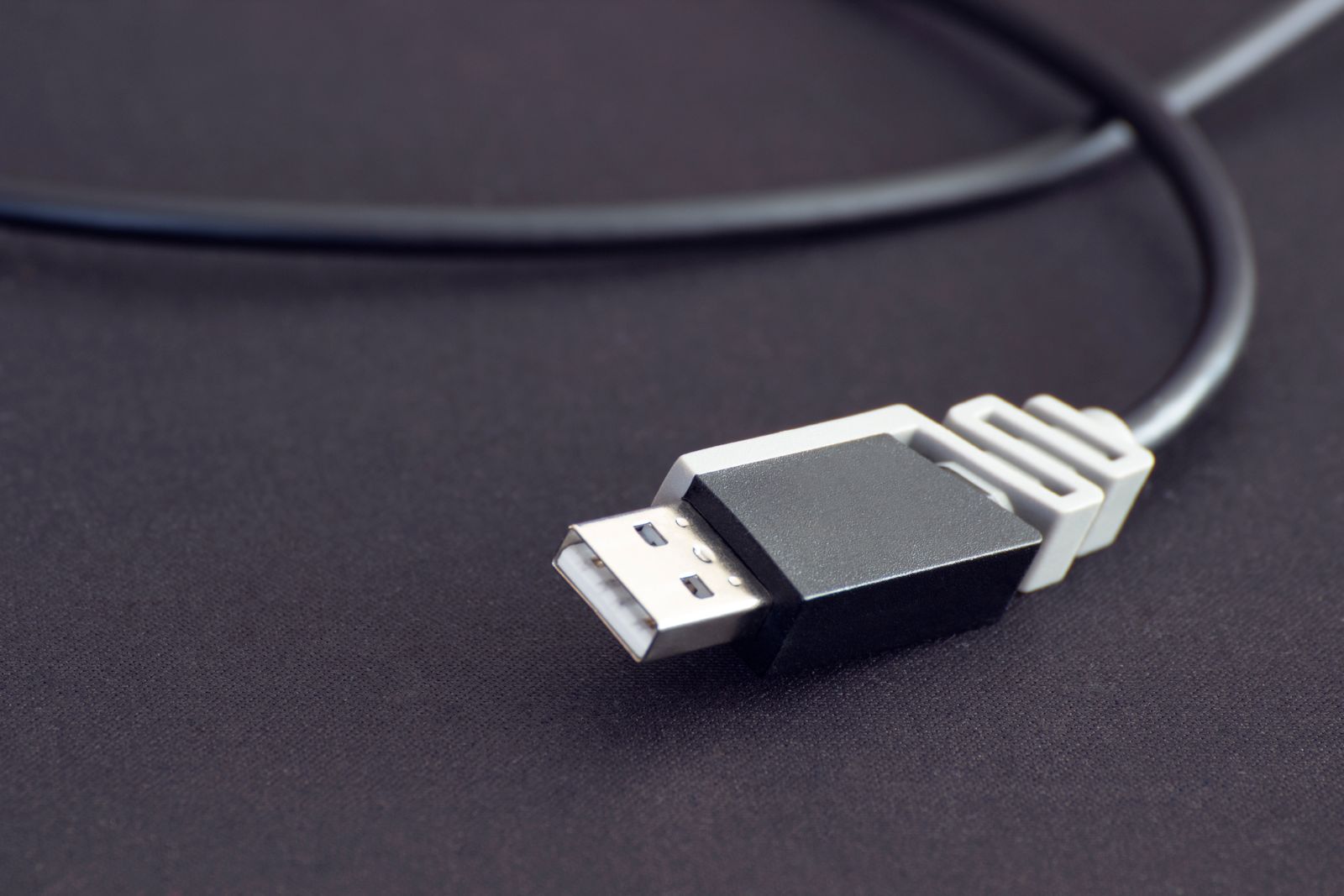
The connector shape shows that a physical connection can fit, but it does not tell you everything about whether the charger’s output is suitable or whether the manufacturer approves that combination. Even if several similar Type-C chargers are available, do not choose a shared charger based on appearance alone. Check the current GD2000 manual for the specified charger and charging procedure. Do not assume, without separate instructions, whether the instrument may be operated while charging or charged in a hazardous location.
A case helps manage storage location and accessories
A case makes it easier to keep the instrument and accessories together or locate them during transport. But putting the instrument in a case does not confirm that it was stored within permitted temperature and humidity conditions, that its battery is charged, or that its measurement function is normal. Follow the model manual for storage conditions and the steps required before reuse after long-term storage. Do not treat the case as a battery-status indicator or a functional test result.
Record separate status information at handover
Suppose a hypothetical handover note says only “fully charged, stored in case.” The next user knows about power preparation and location, but not whether a pre-use functional check was performed. Conversely, if the note records only a functional check and omits where the charger is, the next person may have trouble finding the needed accessory. Charge status, functional-check status, and the locations of the instrument, specified charger, and case are different pieces of information.
Similar symptoms may have different causes
If every issue with shared equipment is grouped under “not charging” or “stored incorrectly,” it is difficult to distinguish causes. In a hypothetical example, an instrument that does not turn on may relate to its power supply or battery state, while an instrument that turns on but displays a sensor fault may need its measurement function checked. This example illustrates how to classify an issue; it does not provide a GD2000 error code or repair procedure.
Similarly, an empty case is an accessory-location issue, while a missing record of a completed charge is a power-management record issue. Combining all this information into a single “normal/abnormal” indicator makes it unclear what was checked. Treating instrument status, charger, and case location as separate items can also help clarify the issue when asking for support.
Battery level is not a functional verification result
A sufficient battery indication tells you that power is available to some degree. It does not confirm response to a standard gas, alarm operation, or calibration status. Conversely, a normal functional-check result does not mean the instrument has enough runtime for its next use. Charging and functional checks examine different processes, so keep their results distinct even if they are managed together.
A case is also for storage and transport; it does not imply explosion protection, moisture or temperature protection, or preservation of calibration. Check the GD2000 manual for permitted storage conditions and steps to take after long-term storage. A normal-looking exterior and a complete set of accessories do not establish that the internal measurement function has been checked.
The charger’s role must also fit the instrument’s conditions of use. The charger’s input and output and the cable form the path that supplies energy; the battery stores the energy it receives. A connector fitting does not prove that the battery is charging properly or that it will support extended operation. When checking charge status, consider both the power supply specified for the model and the instrument’s own indicators.
Connector shape alone does not establish approval.
Separating this information helps prevent one checked item from being mistaken for confirmation of another. However, there is no universal rule for which items to check, when to recharge, or how many units each department should have. Follow the site’s work procedures and responsible person’s judgment. Ask AI Safety Korea Co., Ltd. for current guidance on the specified GD2000 charger, storage conditions, and pre-use checks.
Ask about GD2000 charging and storage