Ordering a gas detector and planning the course go hand in hand when preparing equipment for new-employee training. If you take out the equipment on the day without deciding who will examine it first, which materials to distribute or where to return it afterward, the explanation keeps getting interrupted.
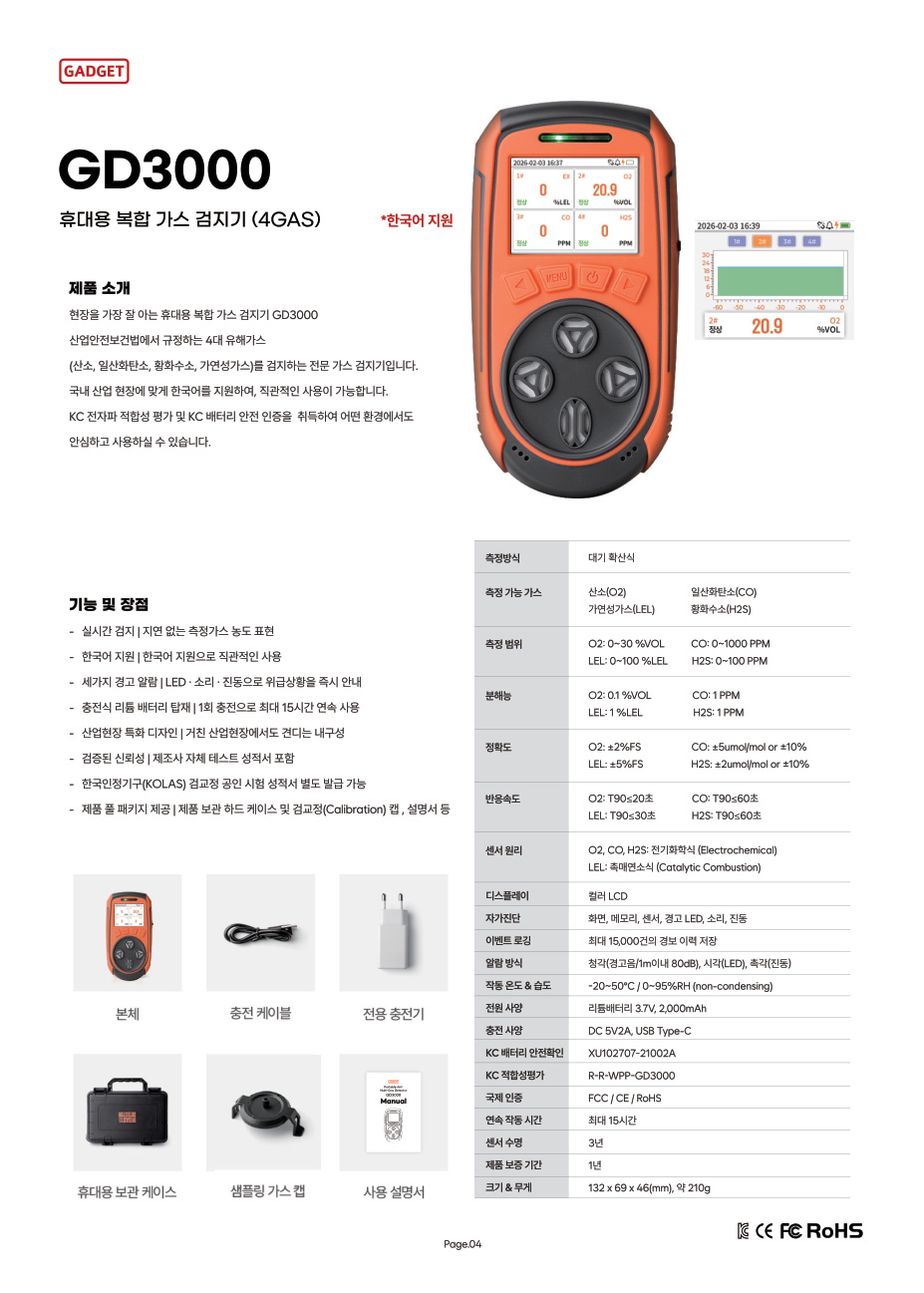
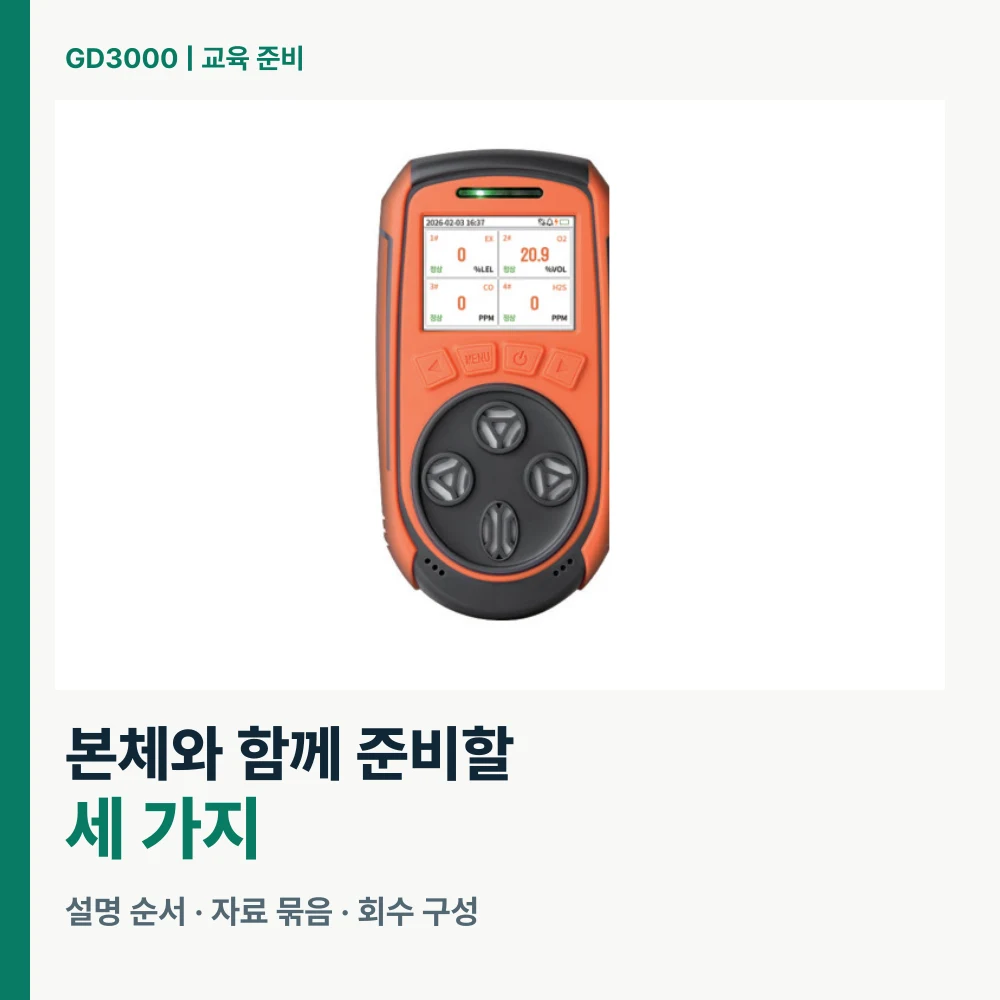
When considering GD3000 for training, prepare the demonstration sequence, device-specific materials and return arrangements together. GD3000 is a portable four-gas detector measuring oxygen, carbon monoxide, hydrogen sulfide and combustible gas. Connecting its color LCD and Korean-language support to the course content lets purchasing and training staff prepare to the same criteria.
What should employees be able to explain after training?
Filling the first course with a list of equipment functions can obscure the essentials. First decide which questions employees should be able to answer themselves afterward. Questions connected to real work are useful: “What is our team’s equipment model?”, “Which gases does it check?” and “Where are the product materials and contact details?”
These questions become the contents of the training materials. Link the model name to the moment you show the unit, the four measurement targets to the product explanation, and the storage location and inquiry route to the closing section. Instead of giving a lengthy introduction to every menu at once, arrange the course to answer one question at a time. This helps organize both the explanation and the items to prepare.
New employees and staff who previously used another model also ask different questions. First-time users need time to recognize the unit and its components, while existing users benefit from first identifying what they need to check on GD3000. Knowing their experience also lets you request specific materials during purchasing consultations.
Connect GD3000 features to training goals
GD3000 is a diffusion-type four-gas model with information shown on a color LCD. Its product information lists Korean-language support, LED, audible and vibration alarms, and storage of up to 15,000 alarm events. Each feature can be placed in the training materials to answer a different question.
Feature to examine | Question to connect in training | Material to prepare |
|---|---|---|
Oxygen, CO, H₂S and combustible gas measurement | Which items does this equipment check? | A one-page summary naming the gases |
Color LCD and Korean-language support | What information should we find on the unit? | The training unit and product materials |
LED, audible and vibration alarms | How does it signal an alarm? | Feature explanations and the workplace response guide |
Up to 15,000 alarm events | What should we ask about equipment records? | Manual sections needed to check records |
Rather than fitting everything onto one page, first show the overall appearance and main features, then move to the details. Put the model name prominently on the product photo and keep the explanatory labels short so employees can easily follow what they are learning.
Plan the explanation from unit introduction to handover
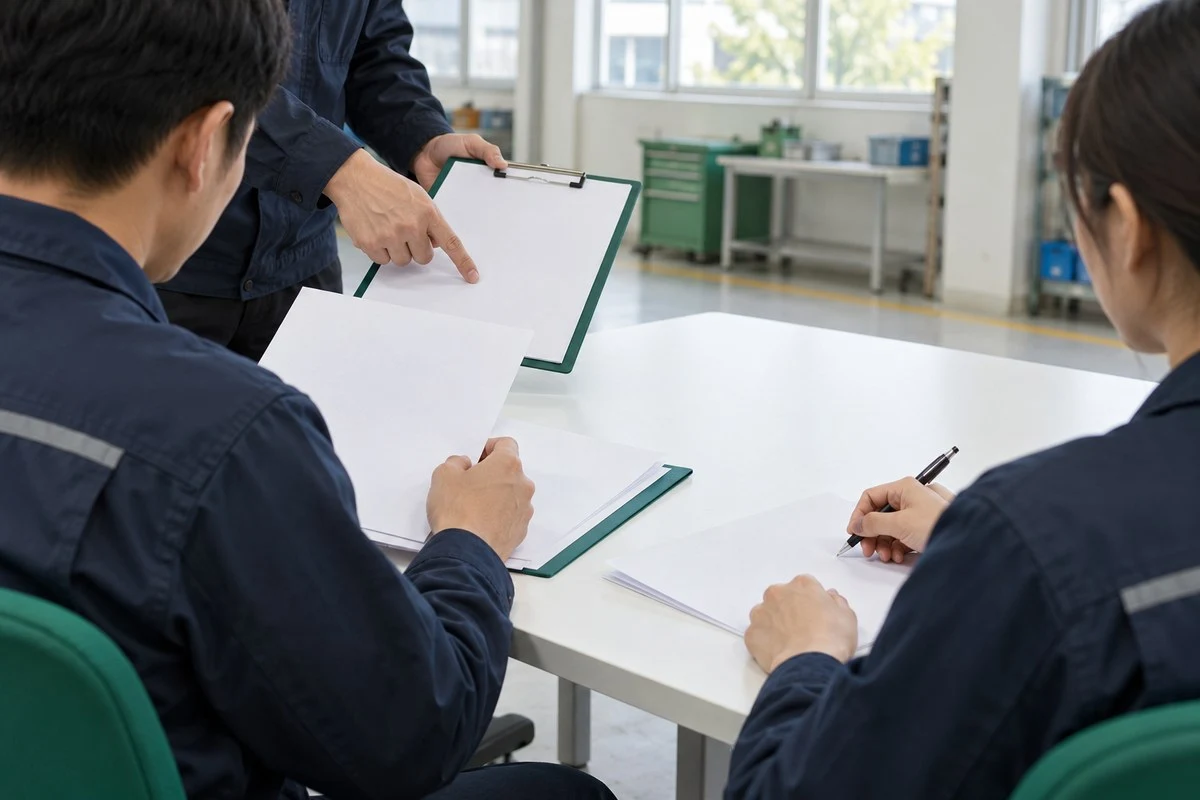
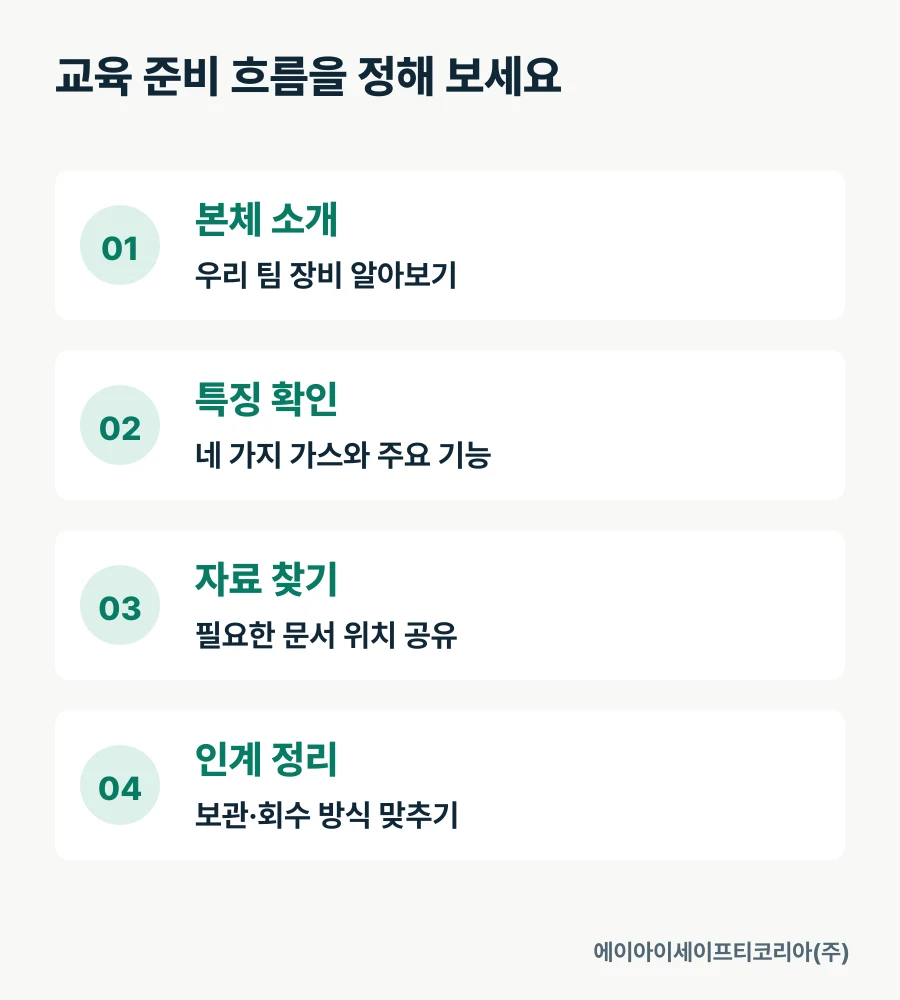
The trainer’s sequence can be divided into introduce the unit → review features → find materials → organize handover. Start by showing the actual unit and familiarizing staff with the GD3000 model, then introduce its measurement targets and main features. Next explain where to find the necessary information, and finish by agreeing how to organize receipt and return of the equipment.
Here, the demonstration sequence organizes what the trainer will explain. Prepare operating instructions by linking them to the user manual for the relevant GD3000 unit. Distinguishing between “items to demonstrate directly” and “items to look up in documents” when making training materials helps reduce interruptions caused by searching for information on site.
Include time for employees to examine the unit up close, as well as explanation time, in the schedule. Showing a screen to everyone from a distance and passing units around small groups require different arrangements. Recording the participant count, teaching format and number of simultaneous sessions makes it easier to discuss the equipment configuration required.
Manage the equipment and materials as one set
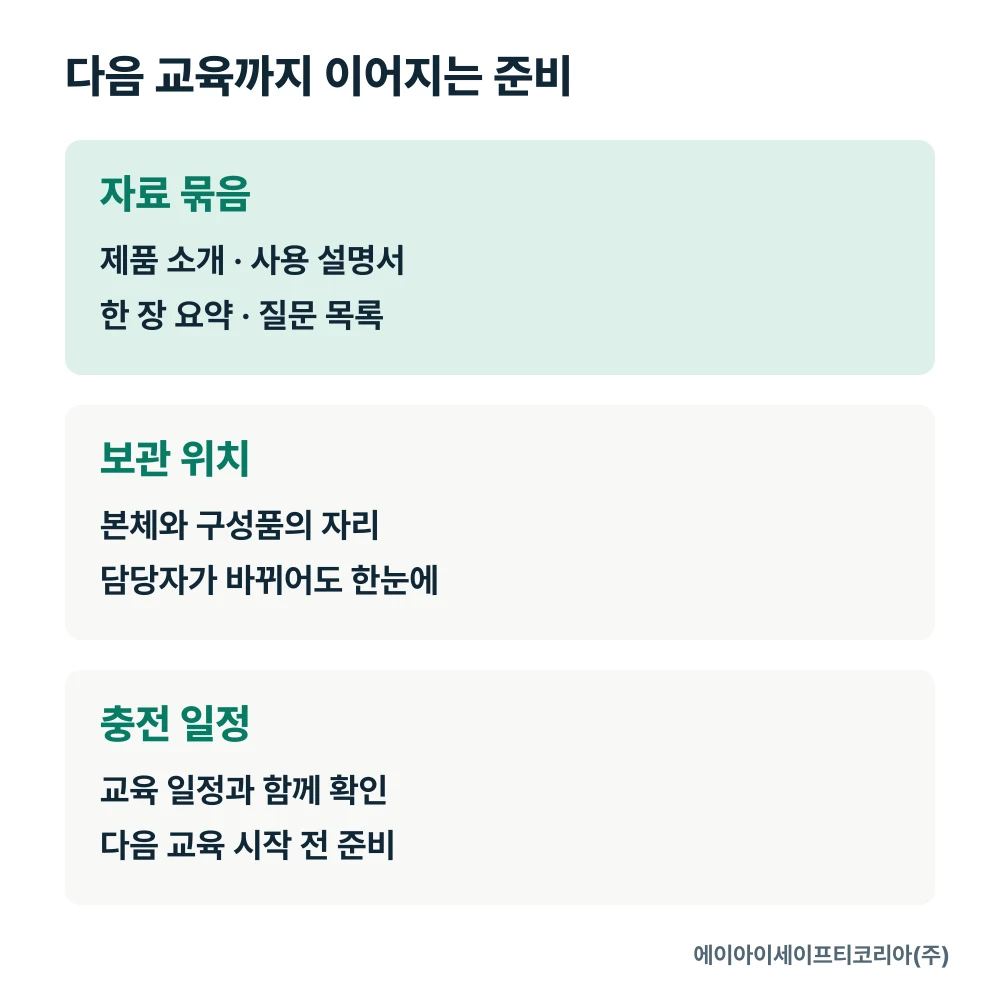
If several trainers take turns using the equipment, make the unit and materials easy to find as one set. Start with a simple list showing the model name, storage location and related file locations together. Even when the trainer changes, they can immediately see where to collect the equipment and materials.
For example, create separate sections in a “GD3000 training preparation” folder for the product introduction, the manual for that unit, a one-page training summary and post-training questions. The introduction explains the features, the manual checks functions, and the summary helps staff recall the course afterward. Separating each file by purpose makes it easy to choose and share only the materials needed.
Employees’ questions also become preparation material for the next course. Collect subjects that took a long time to explain or questions asked repeatedly, and give them more prominence in the next materials. When asking about product functions, organize the questions with the model name to make it easier to obtain the explanation you need.
Prepare for collection and charging after training
The GD3000 catalog introduces the unit, charging cable, dedicated charger, portable storage case, sampling gas cap and user manual. Send a list of the items needed for training during the introduction consultation and agree on the supply configuration. Giving each item a designated return position in the training storage box makes it easier for the next person to check readiness.
Maximum continuous operating time per charge is 15 hours. If you run several training sessions in one day, record the use schedule together with available charging times. Deciding where to check the unit and charging items before the next session connects the training schedule naturally with equipment management.
Include training operation details in your inquiry
Organizing the following information turns “How many GD3000 units do we need?” into a more specific inquiry.
Number of employees to train and their experience using existing equipment
Planned format: full-group explanation or small-group examination
Training schedule and training spaces operating at the same time
Equipment storage and charging locations before and after training
Required materials and items from the product introduction, user manual and components
Number of GD3000 units already owned and the purpose of adding more
Connect GD3000’s four-gas configuration and Korean color LCD to employee training, and prepare the full sequence from taking the equipment out to putting it away again. The course content and required product configuration become clear at a glance.
Tell AI Safety Korea Co., Ltd. about your participants, schedule and required components. We will review the product materials and configuration needed to introduce GD3000 together. Discuss introducing GD3000