“The drawing shows it here, but the photo was taken before we moved it.” This kind of explanation comes up when preparing to introduce GD5 Prime at several sites. While the site team sends new photos and purchasing updates the drawing, materials from different dates end up in one folder.
In this situation, keep the site ID fixed and send the drawing and photos together as one versioned package. A one-line description of each change helps the consultant find the latest conditions quickly. File names and a short list are enough to get started, without complex software.
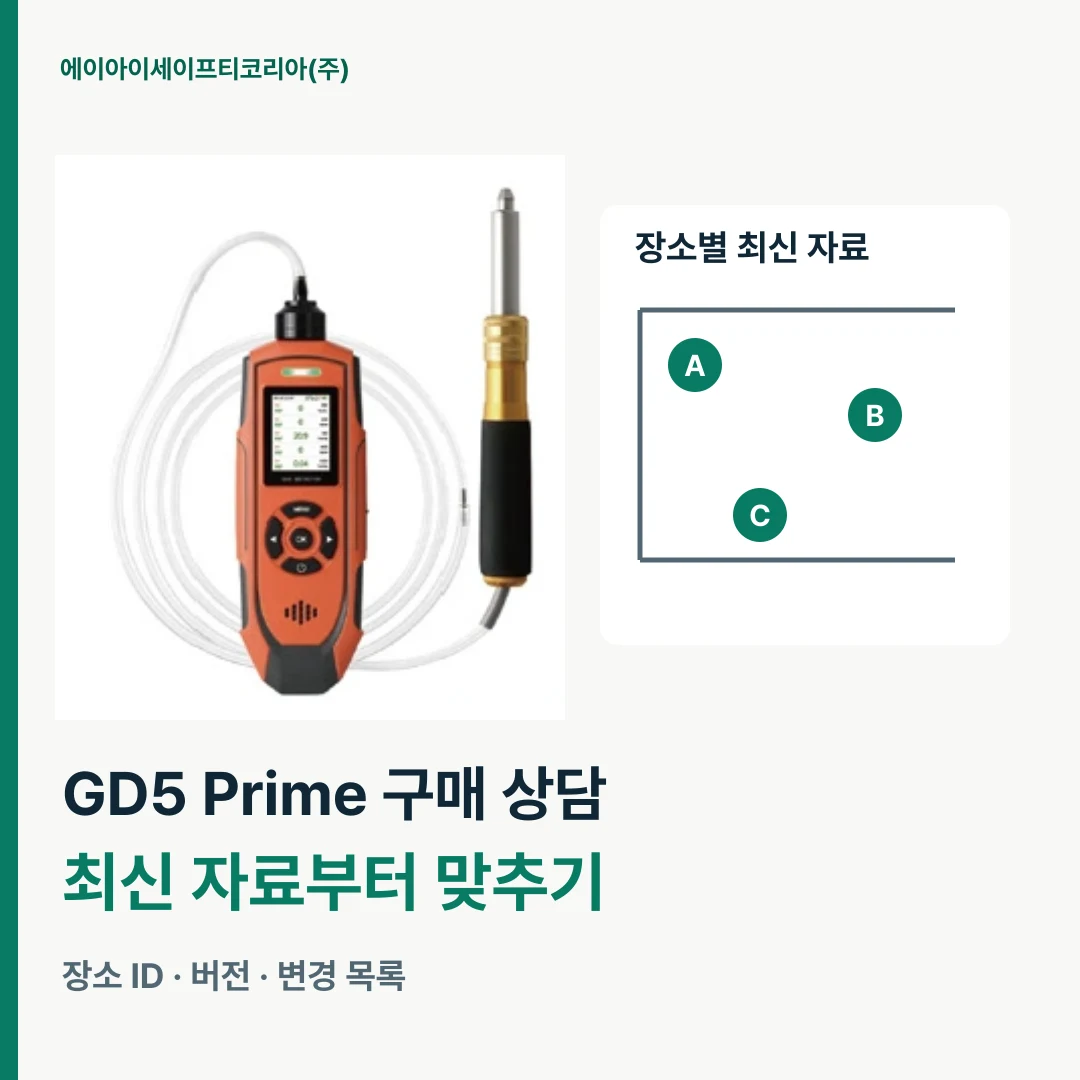
Why document dates matter in a GD5 Prime configuration consultation
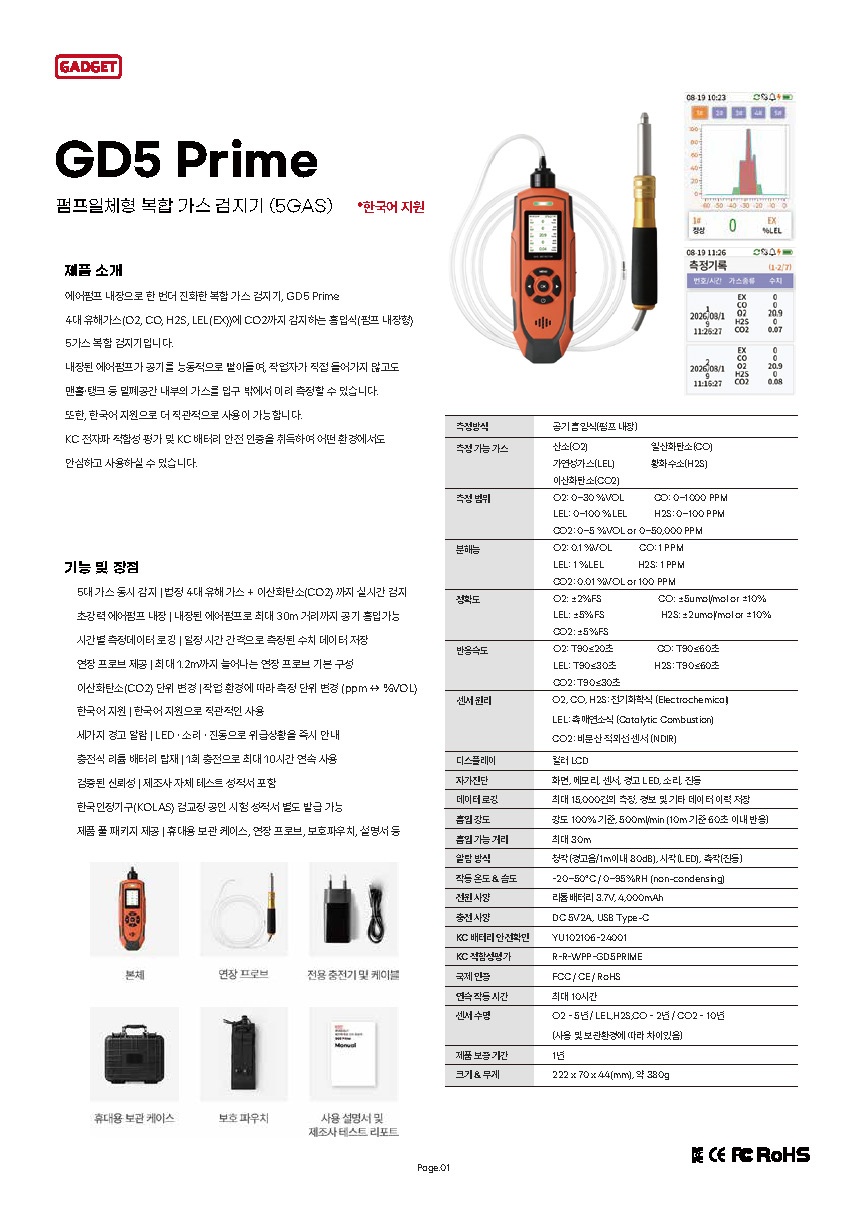
GD5 Prime is a multi-gas detector that draws in air with a built-in pump. It measures oxygen (O₂), carbon monoxide (CO), hydrogen sulfide (H₂S), combustible gas (LEL) and carbon dioxide (CO₂). The catalog presents the main unit together with an extension probe.
When discussing a sampling configuration, you explain the relationship between where the device will sit and where the air will be drawn from. If the device location or surrounding layout has changed, old photos alone make the current request difficult to understand. First align the dates of the drawing and photos describing the same site.
Changes can be particularly easy to miss when reviewing several sites at once. Marking the changed site and details each time you send materials reduces time spent explaining unchanged conditions again and helps everyone focus on what needs a fresh look.
Keep the site ID and increase only the document version
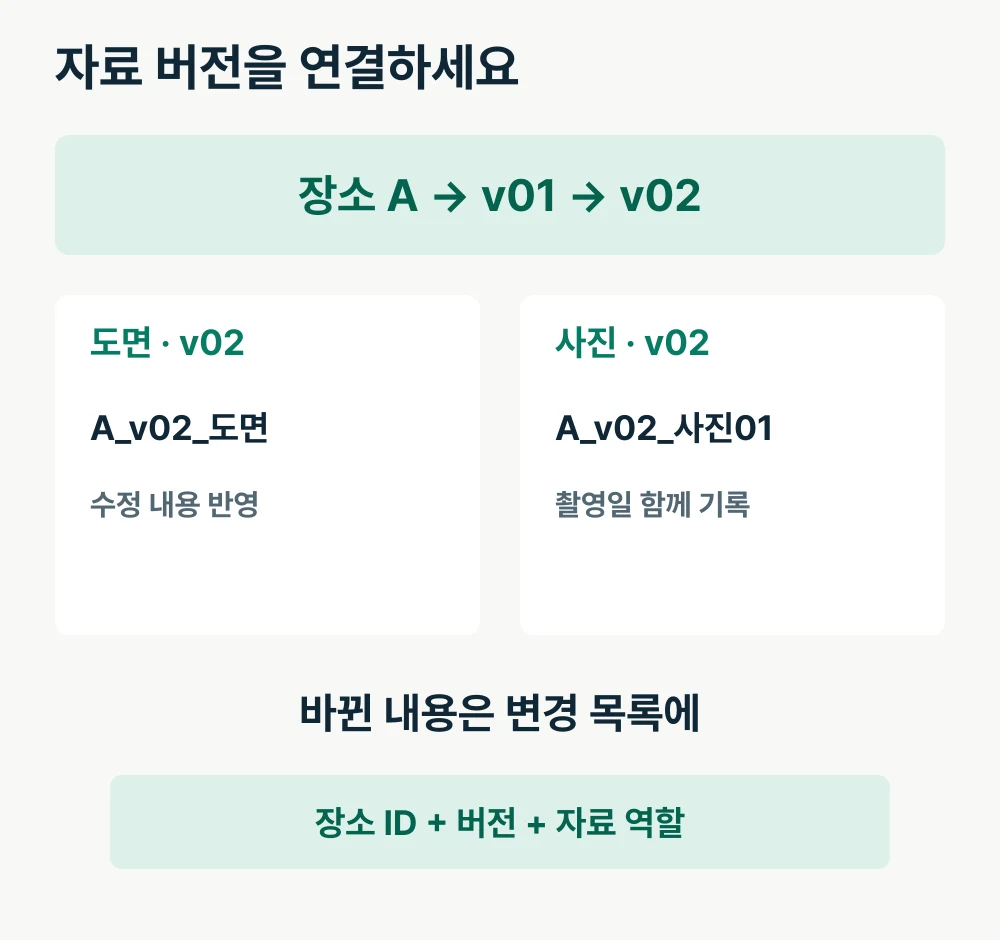
Start by assigning each site a short ID. You can use `A`, `B`, `C` or your company's area numbers. Include the name used by the site team in the list as well. This gives purchasing and site staff a shared way to identify the same location.
Keep the site ID even when documents change. Instead, increase the package version, such as `v01` or `v02`. Put the site ID and version at the beginning of file names, followed by the document's role, such as drawing or photo.
For example, organize files as `A_v02_Drawing`, `A_v02_Photo01` and `A_v02_ChangeList`. The file name alone shows that they describe the same site and belong to the same package. Add photo numbers when there are several images.
Record capture dates for photos included in a new version
Updating a drawing does not mean every photo needs to be taken again. Include photos that still show current conditions in the new package and record their capture dates in the list. The document version identifies the handover package; the capture date identifies when the photo was taken. Keeping these separate makes it easier to find photos that need another check.
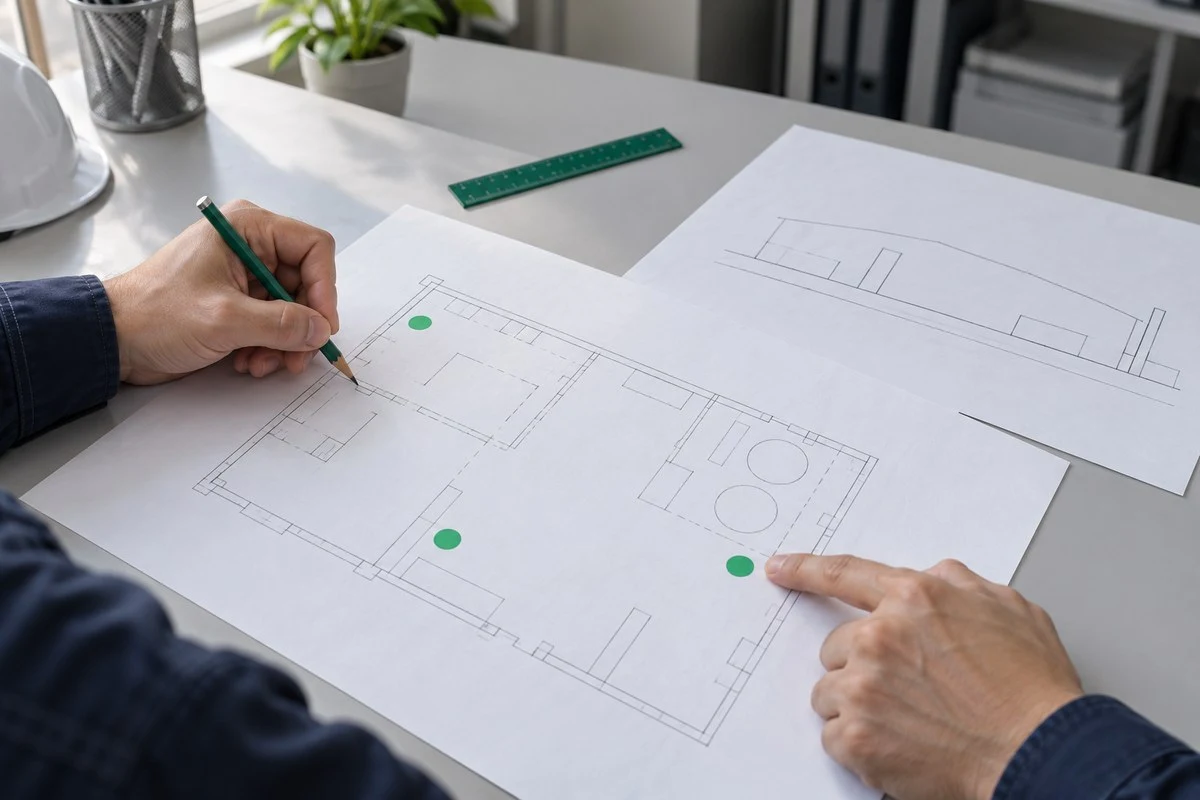
For a changed layout, prepare new photos together with the revised drawing. Add photo numbers to the drawing so readers can locate the area each image shows. Pair a close-up of the changed area with a wider view of its surroundings to keep the explanation concise.
When purchasing collects photos sent by site staff, obtain the original capture date and location details as well. Saving only the image from a message can mean asking again when and where it was taken. Recording this once in a photo list also makes it easier to continue using the materials when the person responsible changes.
Compare changes one line at a time
When sending new materials, describe what changed rather than simply calling them “the revised version.” Pairing each site's changes with the relevant files makes the items to check during the consultation clear.
Change-list item | What to record |
|---|---|
Site / document version | A / v02 |
Change | What actually changed, such as the device location |
Related documents | Revised drawing and relevant photo numbers |
Photo capture date | Capture date for each photo |
Consultation question | Product and accessory configurations to consider under the changed conditions |
Document review status | Photos received, drawing updated, further checks, etc. |
The key to this format is keeping the change and the consultation question together. If the site team has reported a location change while purchasing is still preparing a quotation for the previous configuration, connect those details in the same row. Record the answer in that row when it arrives.
Mark unchanged sites as “No changes in this update.” A new package version does not require reviewing every site from scratch. This narrows the review to the discussions you need.
Choose one package to send for the consultation
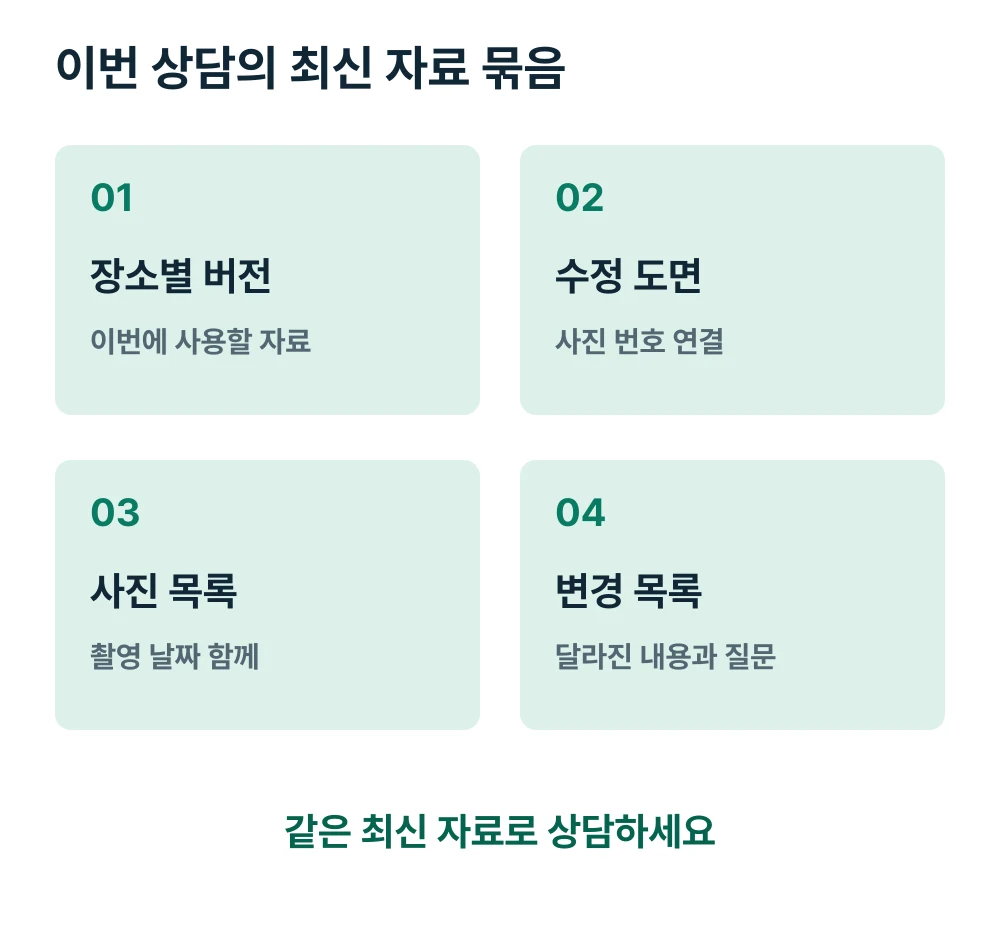
Once materials are organized, designate one folder or ZIP file for this consultation. Include the date in its name and list each site's current version on the first page. Even if revision counts differ, such as A at v02 and B at v01, the list makes them easy to find.
Move previous materials into a separate archive folder and include only the documents to be used in the current package. Briefly state the scope of the change in your consultation message, for example: “Site A v02: device location changed. Site B remains at v01.” This reduces uncertainty about which attachment to open among files sent through several messaging apps.
If new requests arise after the consultation, create the next version in the same way. Record whether more photos are needed or drawing annotations should change in the change list, and incorporate completed materials first. Manage staff names and internal sharing locations using your company's usual method.
Start your GD5 Prime consultation with current site documents
The more sites involved in a product introduction, the more important it is to identify which materials represent the latest conditions, as well as sending enough information. Aligning site IDs, document versions, photo dates and the change list helps you communicate the current request in one go.
Send AI Safety Korea Co., Ltd. your latest site document package, the gases to be measured and the configurations you would like to discuss. We will review the changed site conditions with you and discuss GD5 Prime specifications and the configuration you need.