
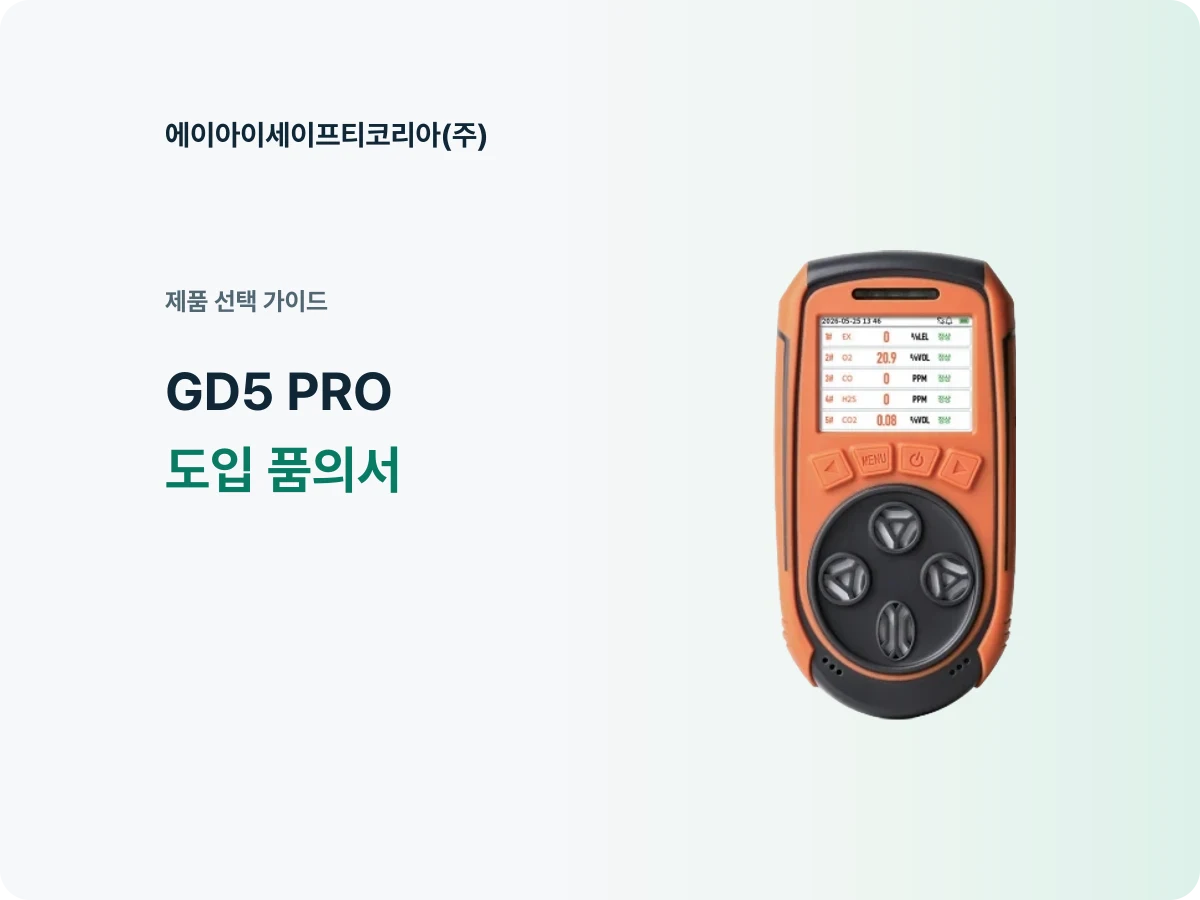
The site team has requested a GD5 PRO, and the purchasing team is preparing the approval document. Once the product name and quotation are attached, one question remains: “Why do we want to introduce this product into our work?”
The answer becomes clearer when you connect the measurements required, the product features that meet those needs, and the plan for using it after purchase. Rather than copying every GD5 PRO specification, organize the document so the approver can see the purpose and the equipment package at a glance.
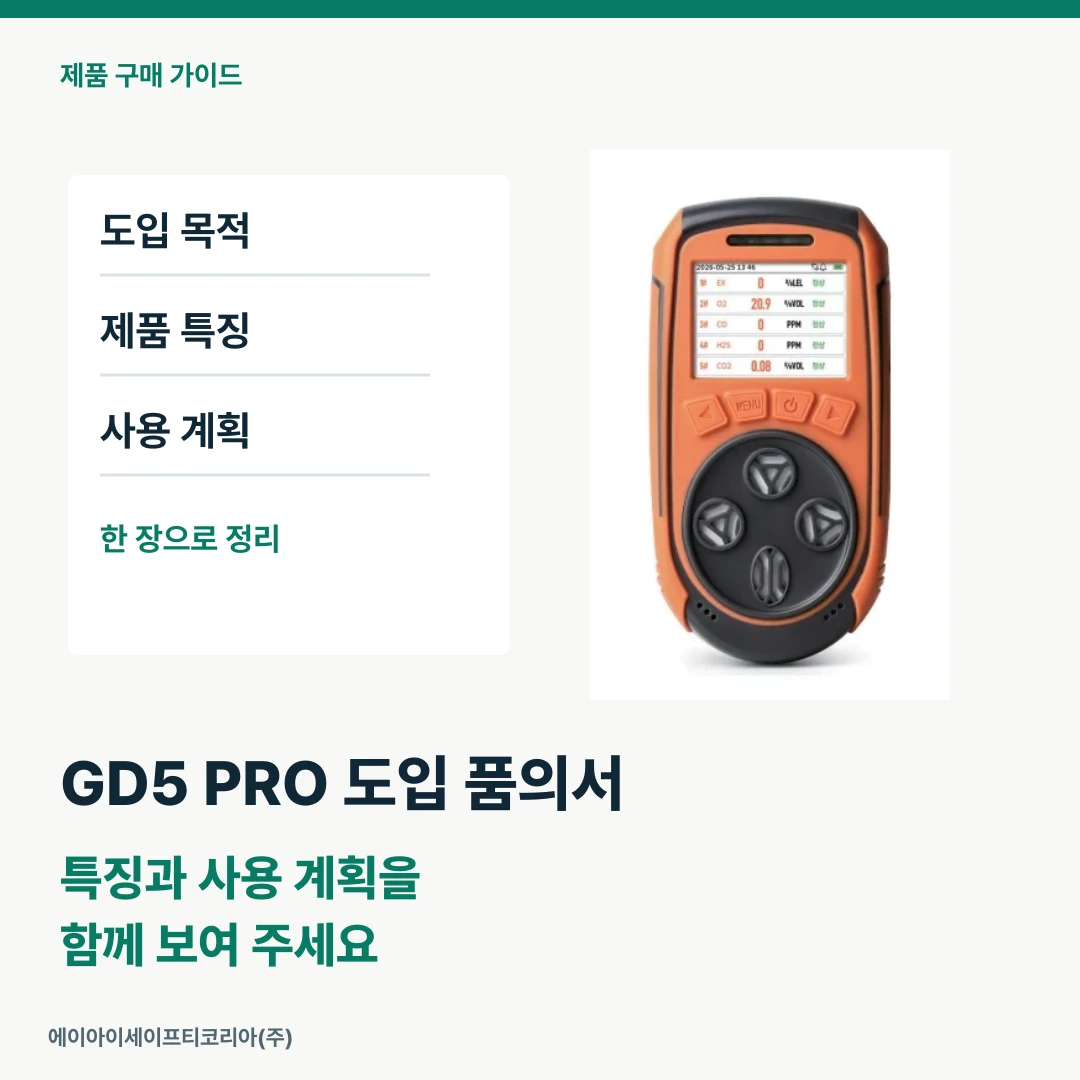
Start the first sentence with the work it will support
Under a heading such as “Purchase of a portable gas detector,” state the department and work that will use the equipment. First distinguish between an introduction for new work, an additional purchase to extend coverage, and replacement of existing equipment.
Next, add the list of gases required. GD5 PRO is a portable multi-gas detector that measures oxygen (O₂), carbon monoxide (CO), hydrogen sulfide (H₂S), combustible gas (LEL) and carbon dioxide (CO₂) together. If your work requires these five measurements, the ability to check several gases with one instrument can be central to the reason for purchasing it.
Keep the purpose field brief, in the order “department / work to be performed / gases required.” Even an approver reading the product description for the first time can then understand why a five-gas model is being considered.
Pair product features with their value for the work
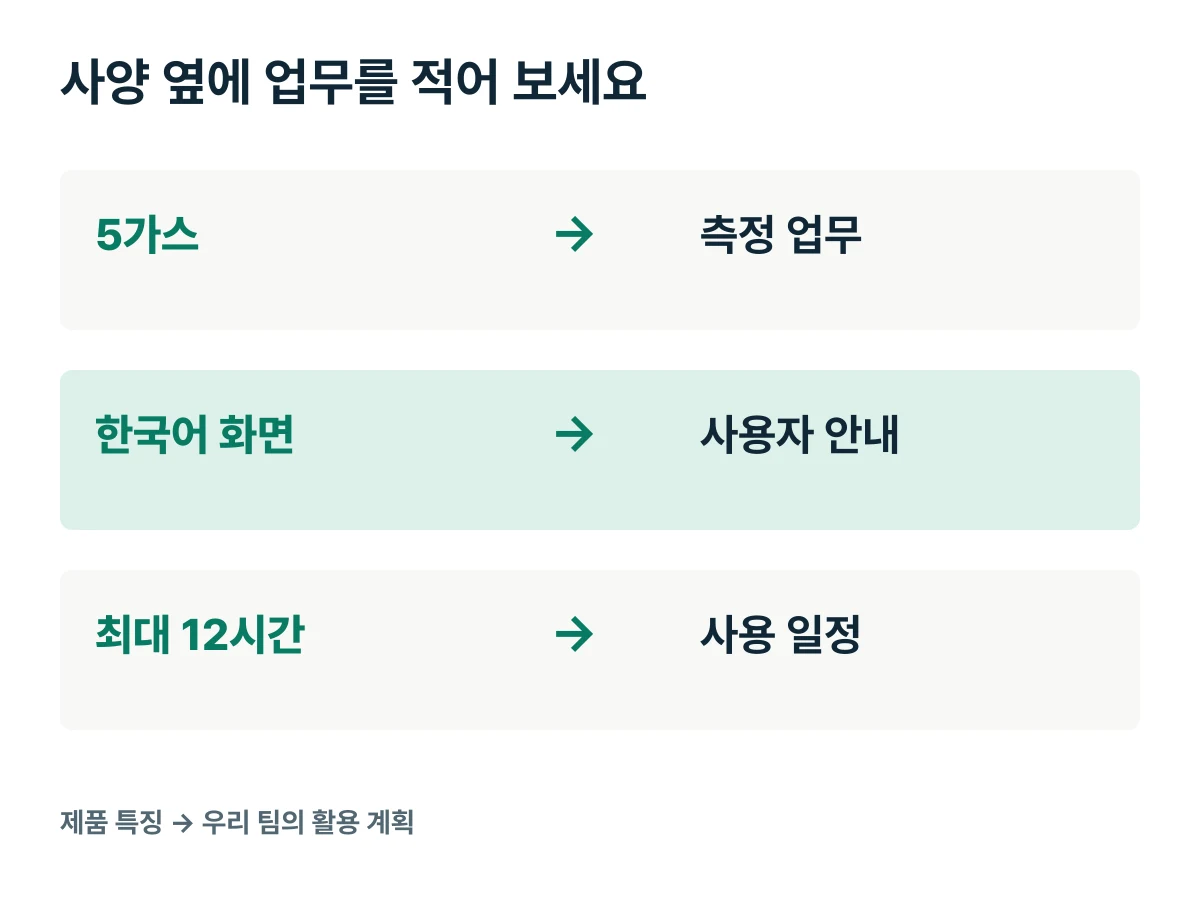
GD5 PRO has a color LCD, Korean language support and storage for up to 15,000 alarm-history records. Maximum continuous operating time is 12 hours on one charge of its lithium battery. Writing the actual operating plan beside each feature turns a specification list into a purchase rationale.
Product feature to check | Operating plan to connect to the request |
|---|---|
O₂, CO, H₂S, LEL and CO₂ measurement | Gases to be checked in the work |
Color LCD and Korean support | Staff using it and how screen information will be explained |
Up to 12 hours of continuous operation per charge | Daily operating periods and charging location |
Storage for up to 15,000 alarm-history records | The role responsible for reviewing alarm history |
Atmospheric diffusion measurement | Instrument placement and the location of the air to be checked |
If a Korean display matters to the team, begin by identifying its users. Connecting that to the screen guidance provided to staff receiving the instrument makes the preparation after purchase more concrete. If alarm history will be used, note who will review it and in which part of the work.
Not every function needs equal weight in the approval document. Put the two or three features that matter most to this purchase first, and link to the product material for detailed specifications to keep the document concise.
View GD5 PRO features and specifications
Record operating periods and assigned locations together
An operating plan is easier to review when it gives time periods rather than “all-day use.” Put the pickup time, return time, next starting time and charging location on one line. This lets the maximum 12-hour specification be viewed alongside the actual work schedule.
If several departments request equipment, collect requests by location and time period. The assignment plan becomes more specific when you distinguish simultaneous use in different places from sequential use while moving between locations. Recording new purchases separately from equipment already held also makes the additional quantity easier to discuss.
The information purchasing needs first is simple: which department will use it, where and when. Collect departmental requests under those three headings, then include the quantity and configuration required in the quotation inquiry.

Read the quotation in terms of the instrument and supporting items
The GD5 PRO catalog introduces the main instrument, charging cable, dedicated charger, portable storage case, sampling gas cap and user manual. In the approval document, organize the purchase package around the items and quantities shown in the actual quotation.
Separate the instrument quantity, accompanying items and additional requested items into fields. The approver and the users can then see the same detail behind the single phrase “GD5 PRO introduction.” Recording the storage and charging locations at this stage also makes placement easier when the equipment arrives.
If the instrument location is some distance from the air you want to measure, include that requirement in the quotation inquiry. Providing the distance and locations makes it possible to discuss the sampling arrangement as well as the main instrument. Transfer the final configuration agreed in the consultation and the quotation items into the approval document together.
Put the purchase rationale on one page
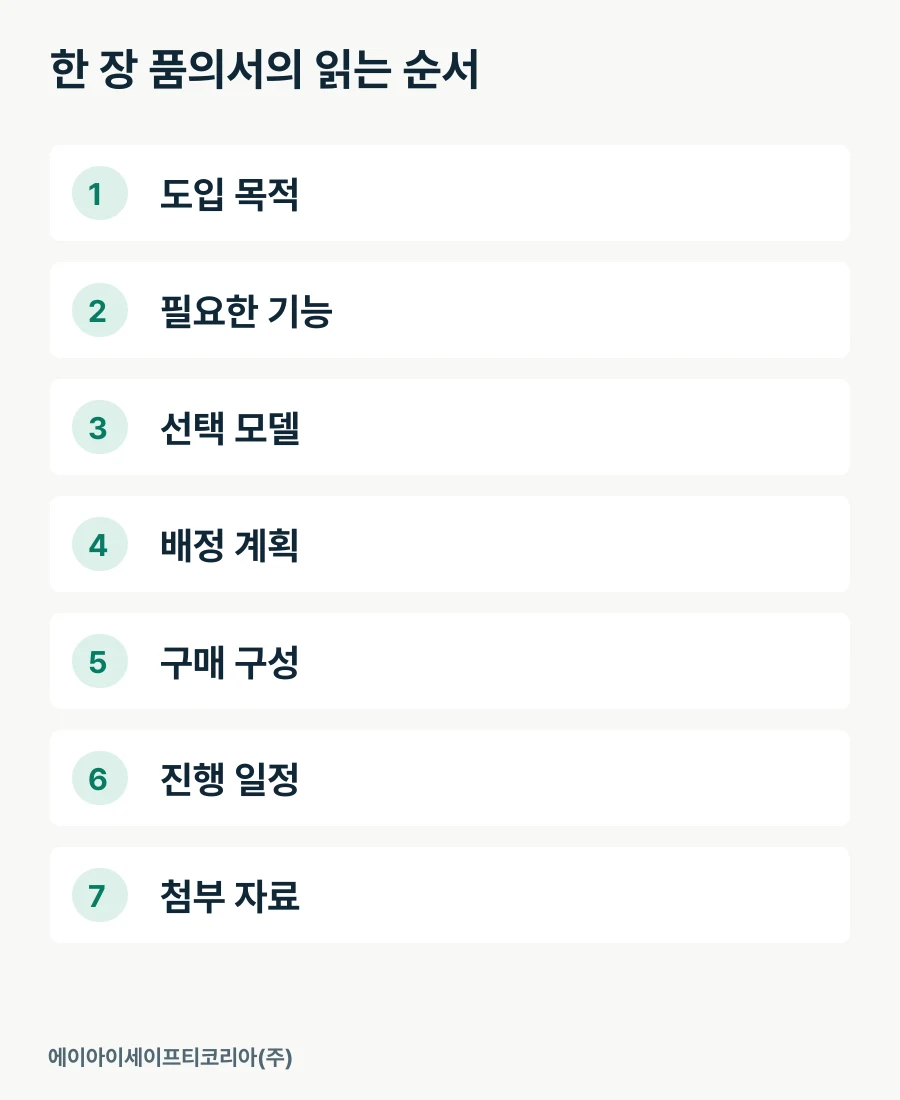
Instead of repeating all the information at length, arrange it on one page in the order the approver will read it. Show the purpose first, followed by the reasons for selecting the product, the assignment plan and the purchase details.
Approval-document field | Information to include |
|---|---|
Purpose | Department and work; new, additional or replacement purchase |
Functions required | Gas list and priority requirements |
Selected model | GD5 PRO and its key features linked to the work |
Assignment plan | Location, time period, user responsible and charging location |
Purchase package | Quoted items, quantities and additional requests |
Schedule | Desired starting date and supply schedule confirmed in the quotation |
Attachments | Product catalog and the relevant quotation |
Enter the purchase amount using the quotation's unit prices, quantities and stated conditions such as VAT and delivery. Providing the desired starting date also helps align internal and supply schedules. With this structure, review comments can readily be identified as changes to specifications, configuration or timing.
Before circulating the document, check once more that the product name and quantities match across the text, quotation and attachments. Including the requesting department's requirements in the same document can also reduce follow-up questions from purchasing to the site team.
Turn the purchase review into a quotation discussion
The core of a GD5 PRO purchase approval is why the product's features match your work, rather than a long list of functions. Select the important points among five-gas measurement, the Korean display and up to 12 hours of continuous operation, and connect them to assigned locations and operating schedules.
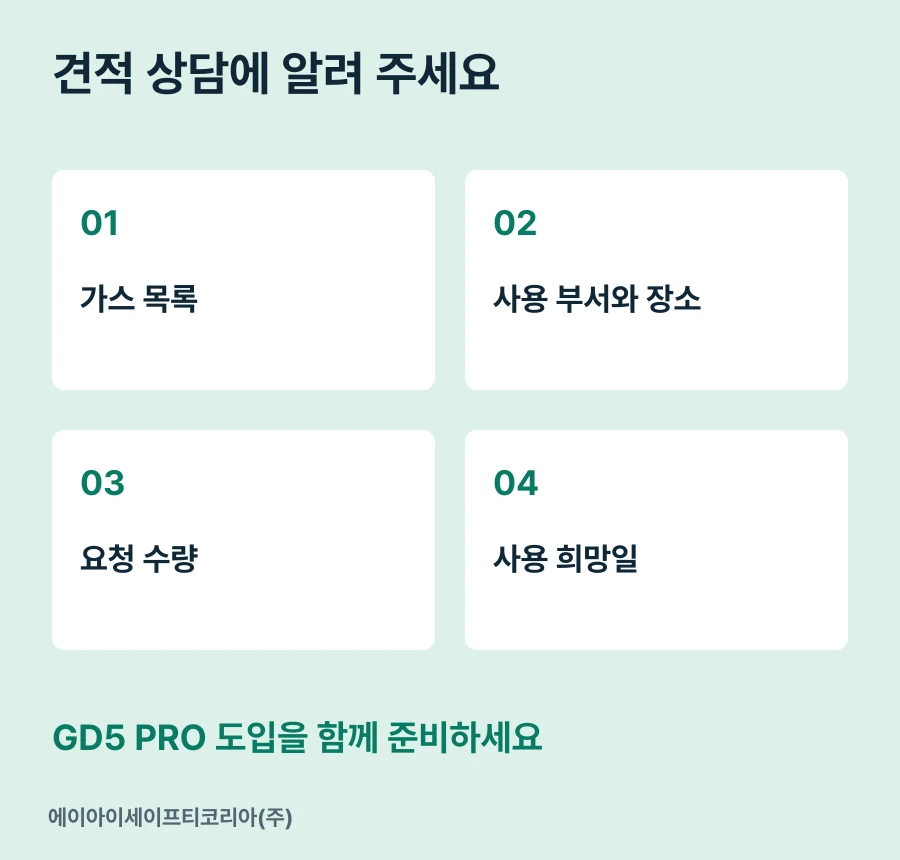
Tell AI Safety Korea Co., Ltd. the gases required, the department and locations, the requested quantity and the desired starting date. We will review the product specifications and purchase configuration together using the requirements in your approval document.
Discuss GD5 PRO introduction and request a quotation
