When a new work team is formed or the number of users grows, buying more of the GD5000 already in use is a natural first option. A model familiar to the person responsible makes it easier to carry existing screen guidance and management experience over to new equipment. Alongside the number of devices on the purchase list, include training materials, individual equipment records, and issue-and-return workflows.
The starting point for deciding whether to standardize on the GD5000 is the new team's work. If its required gases and hours of use match existing operations, and current training and management methods can also be used, the reason for adding the same model becomes clear. Here are three areas to organize when an existing GD5000 operator prepares to add more units.
Start by Aligning the New Team's Measurement Tasks
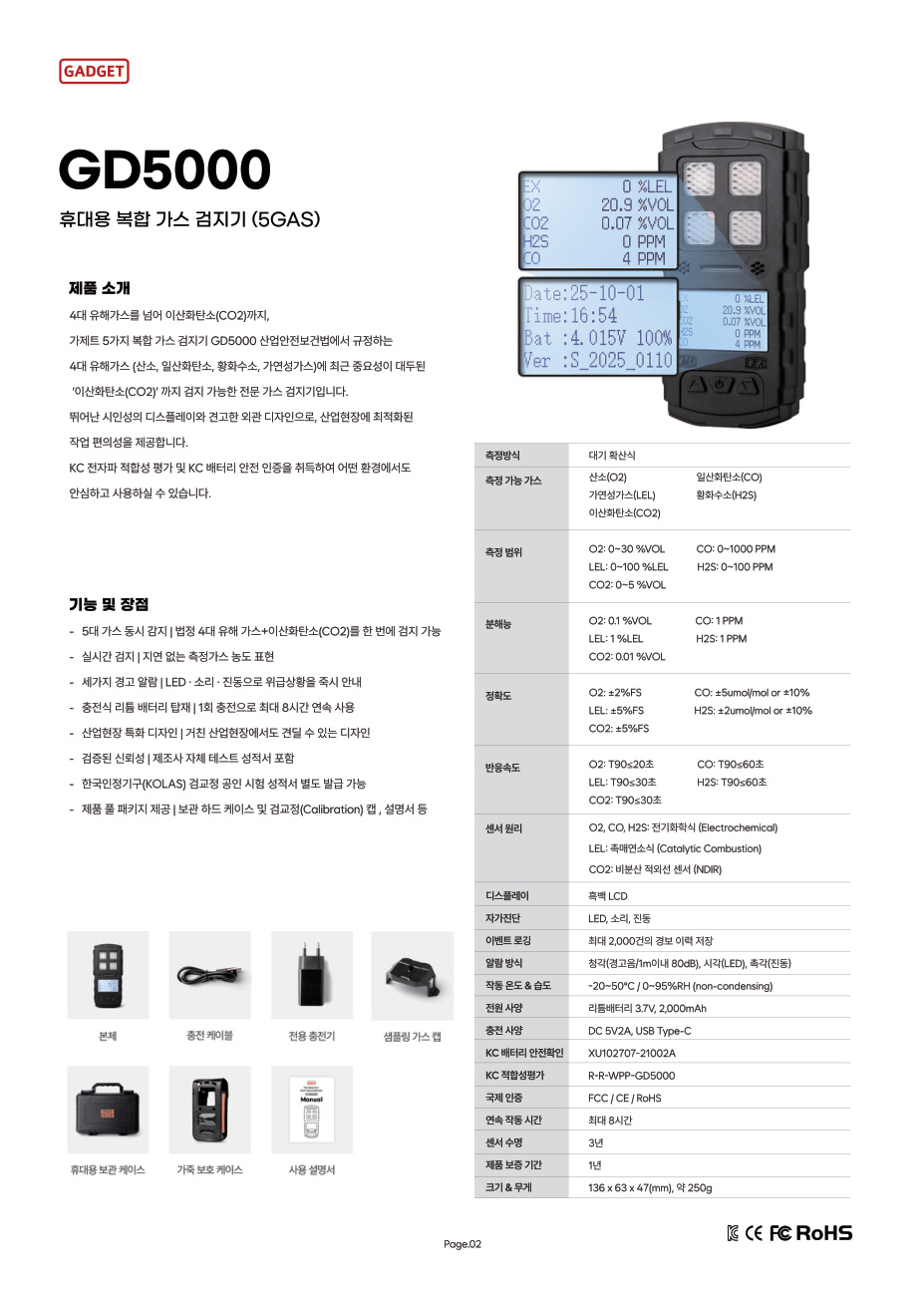
The GD5000 is a portable multi-gas detector that simultaneously measures oxygen (O₂), carbon monoxide (CO), hydrogen sulfide (H₂S), combustible gas (LEL), and carbon dioxide (CO₂). It detects these five gases by ambient diffusion and displays readings on a monochrome LCD.
First, write down whether the existing and new teams need to check the same five gases and whether their equipment locations and operating periods are similar. Even within the same factory, the information needed varies by task. A purchasing manager can put both teams' requirements in one table to quickly separate common preparations from new questions for consultation.
Comparison item | Information from the existing team | Information to establish for the new team |
|---|---|---|
Measurement tasks | Current gas list and locations | Gas list and locations for the new work |
Equipment use | Time from issue to return | Expected operating hours and return location |
Training | Current guidance and screen materials | Number of trainees and delivery method |
Management | Equipment list and storage location for inspection documents | Person and location responsible for the new equipment |
As you complete the table, “How many more of the same model should we buy?” becomes “How do we add this work to our existing operating system?” It provides a starting point for discussing equipment and the preparations it requires together.
Turn Familiar Operations into Training Materials
Existing users know the GD5000's display and controls, but a new staff member may be encountering it for the first time. Combining an experienced colleague's explanation into a one-page guide with the model's manual makes the information easy to find when personnel change.
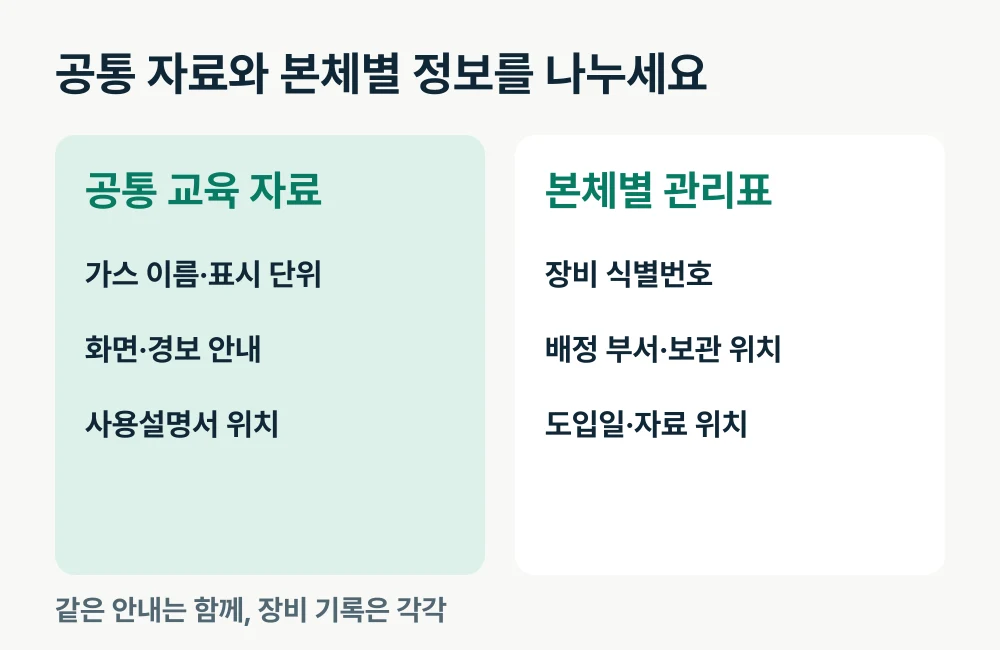
Include the names and display units of the five gases, how to identify each device, and where to find the manual. The GD5000 has LED, audible, and vibration alarms, so a separate section explaining alarm indications is useful too. Organize detailed operating steps around the GD5000 user manual available on the product details page.
When creating training materials, it is convenient to separate shared guidance from device-specific information. Put the model, gas indications, and document locations in the shared guide, and the identification number and user department in each device's record. This reduces the need to rewrite the same information for every unit while making it easy to identify the device a record concerns.
View GD5000 product information and the user manual
Standardize the Model and Track Each Unit's History
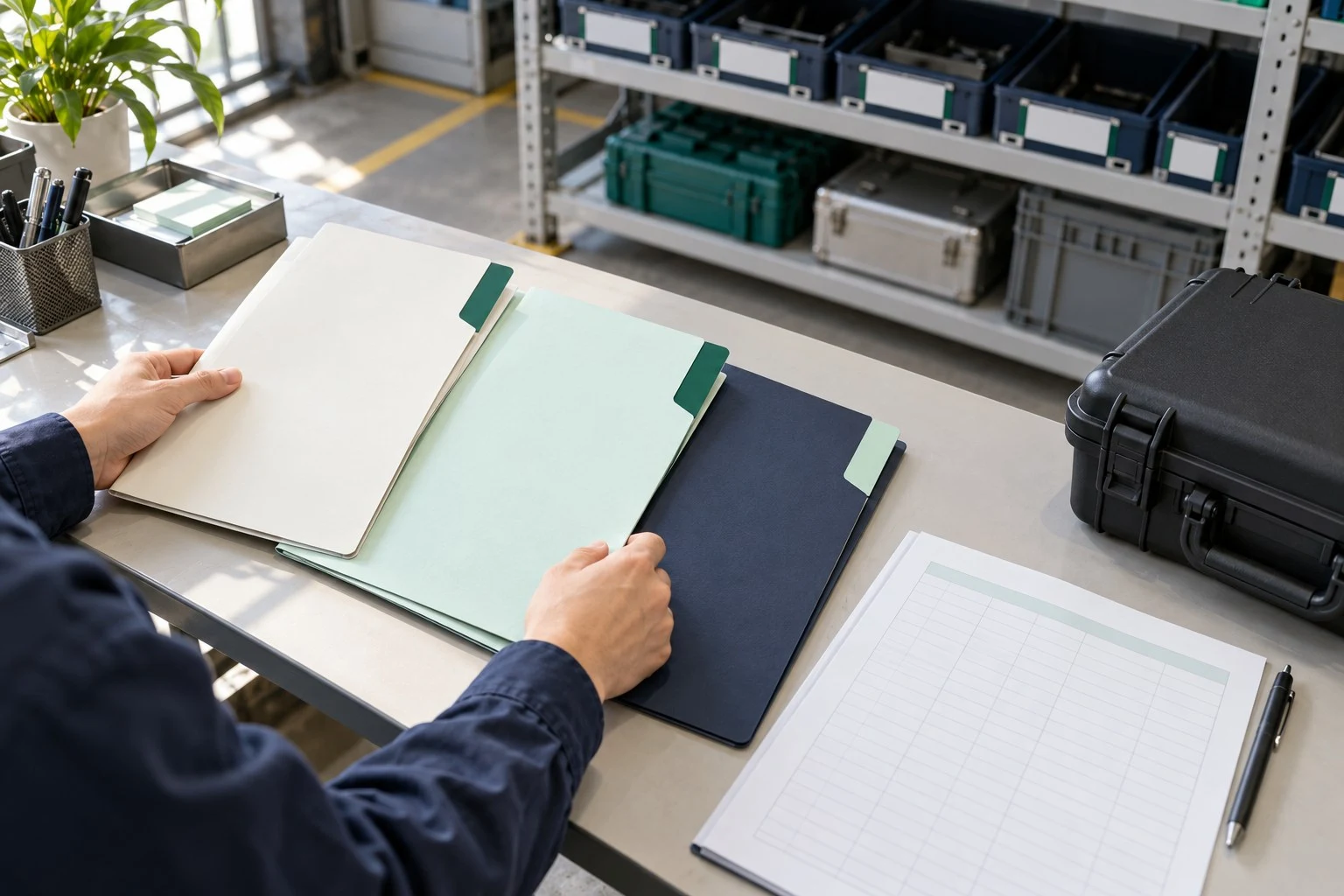
As the fleet grows, the model name alone becomes insufficient for finding the equipment you need to manage. Even GD5000 units may differ in purchase date, assigned department, and previously submitted inspection details. Create a record keyed to each unit's identification number.
The basic columns can be simple. Start with `Identification number / Assigned department / Storage location / Introduction date / Related document location`, then link inspection or service requests to that device's row as they arise. Even with paper documents, keeping the same column order helps different staff find information consistently.
The GD5000 stores up to 2,000 alarm events. Along with reviewing alarm history, recording the device used and the department responsible in an internal register makes it easier to explain which unit's records you are asking about. This connects the device's functions with the company's management information.
Include Maximum Runtime in the Allocation Plan
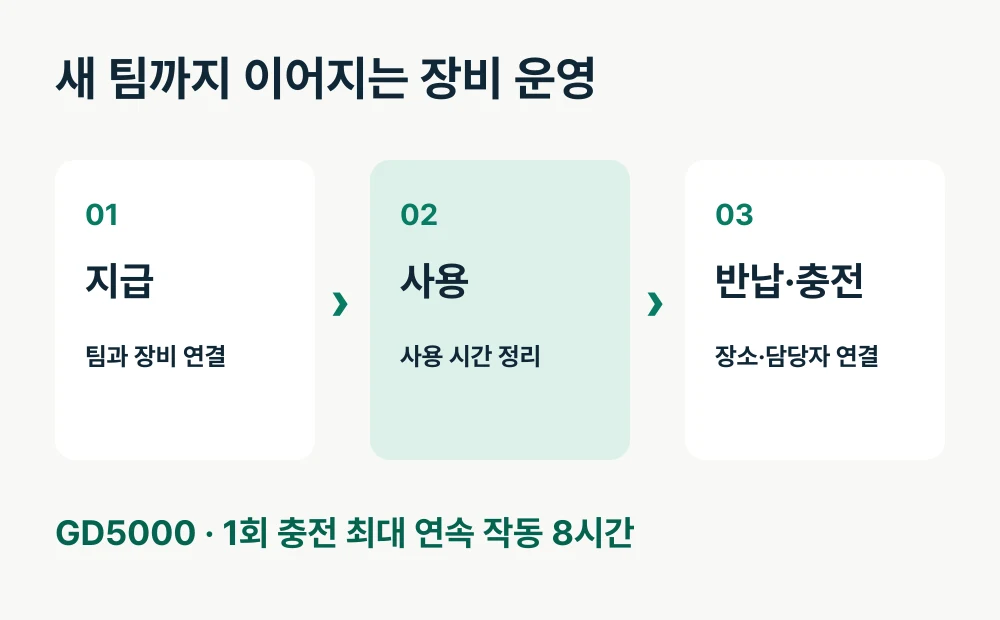
The GD5000's maximum continuous operating time is 8 hours on a single charge. When considering additional units, write this specification alongside each team's equipment issue time, end of use, and charging location. Start by establishing which team receives equipment and when to see the configuration you need to prepare.
An operating schedule is easy to read when split into two rows. Put the user team and time in the first row, then the people and locations responsible for return, charging, and storage in the next. You can also see whether adding the new team concentrates tasks in one place.
For example, if the new team returns equipment in another building, prepare both the storage location and access to management documents. Connect model standardization with the actual equipment handover workflow. This clarifies who should receive what after the additional units arrive.
Send Existing Operating Information with the Quote Request
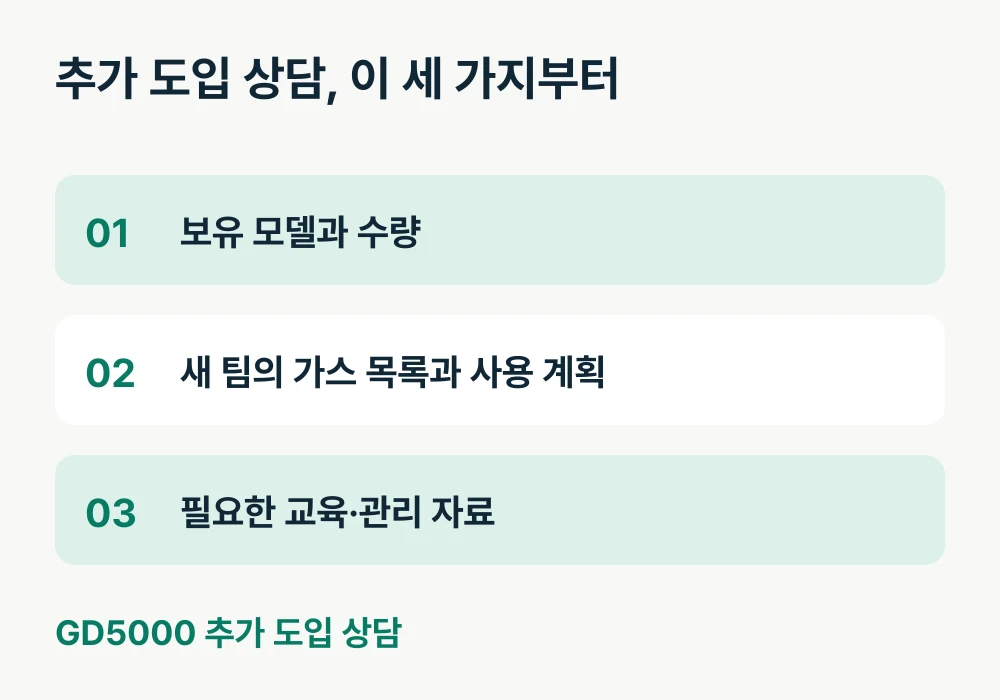
Once you have organized the reason for buying more of the same model, consultation materials need not be long. Gather the model and quantity already owned, the additional user department, required gases, operating plan, and supporting materials needed on one page.
It helps to complete the following before requesting a quote.
Existing GD5000 quantity and assigned departments
The new team's gas list and work locations
Expected operating hours and return and charging locations
Current training materials and manual locations
Person responsible for the new equipment records
Charging and storage arrangements to discuss alongside the additional devices
If different people train users and store the equipment after purchase, note both roles. This prepares the process for passing product information received by the purchasing lead to actual users and equipment managers.
Turn Familiarity with the Model into Consistent Operations
The aim of adding GD5000 units is to secure usable devices and a consistent operating method. Put the existing team's experience into training materials, and align individual equipment records with issue-and-return workflows to prepare the new team's equipment more concretely.
Tell AI Safety Korea Co., Ltd. about the GD5000 units you already own and the new team's operating plan. We will review measurement tasks and the required configuration together to continue the consultation on additional equipment.