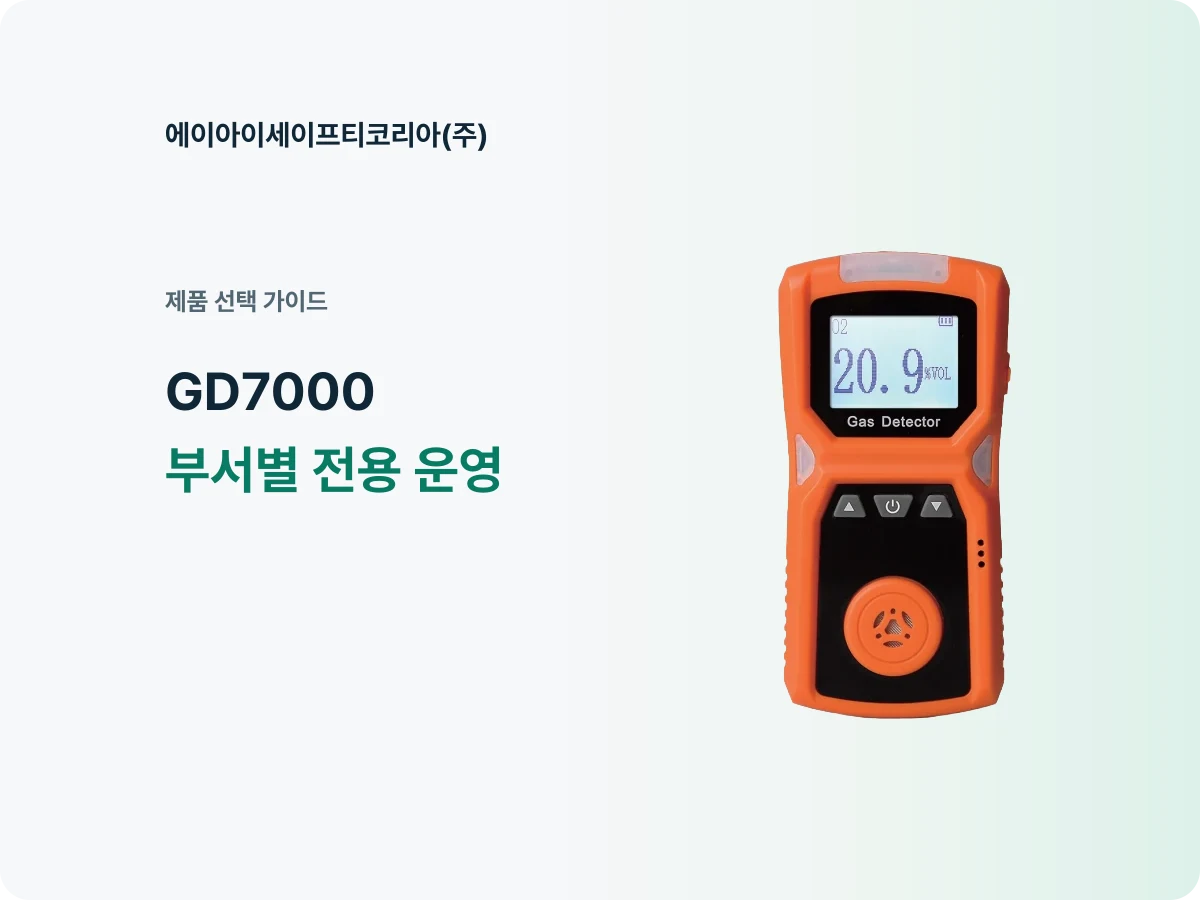
Have you ever had to look for shared equipment whenever an oxygen check came up? If your department uses it frequently, a dedicated unit is worth considering. For a GD7000 assigned to one department, defining what it will measure, when it will be used and who will manage it makes the purchasing discussion more specific.
GD7000 is a portable single-gas detector for oxygen (O₂). Connect the equipment’s role to the work involving oxygen checks, then decide who will take it out and where it should be returned. That turns the choice of a device into practical preparations for convenient use.
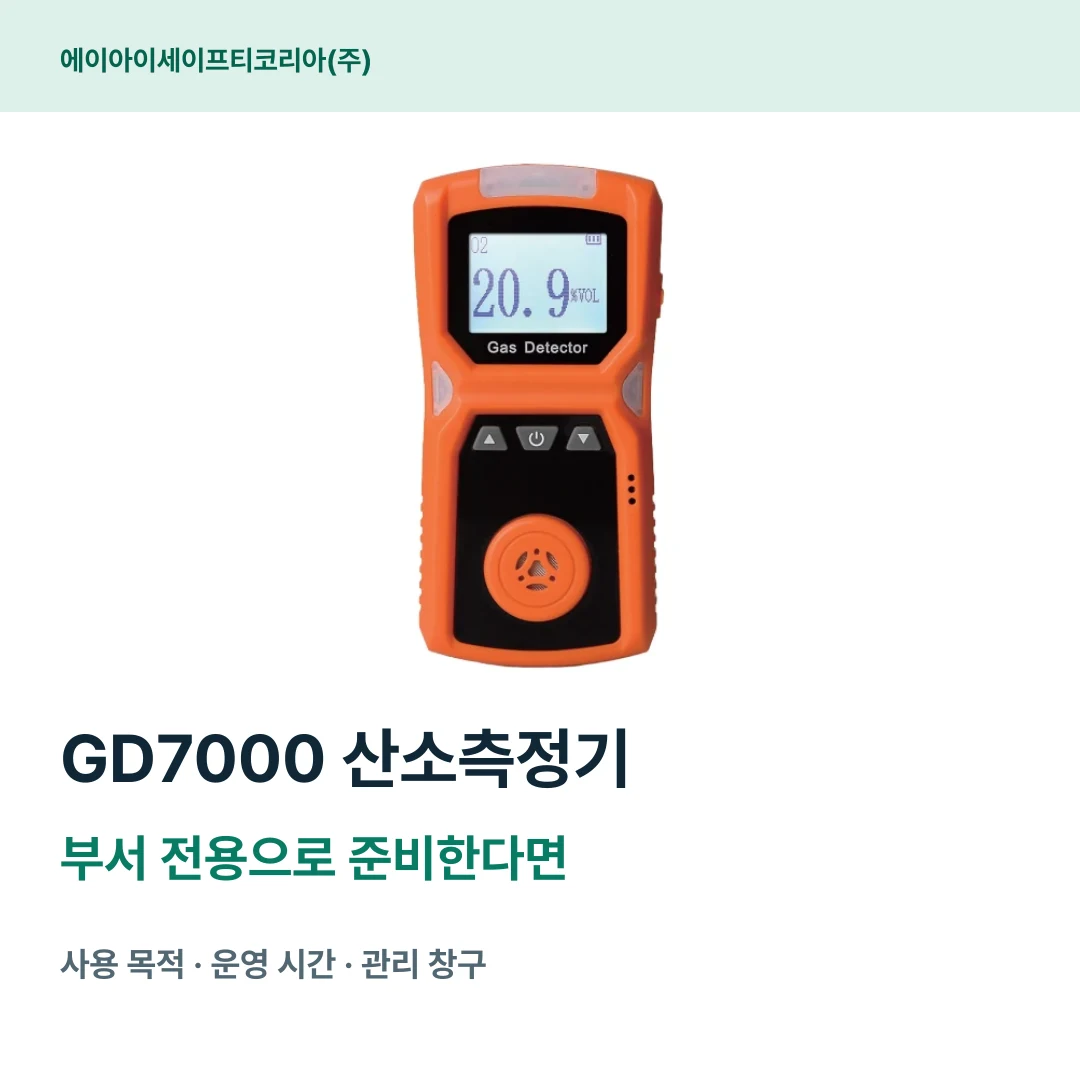
Start by describing the equipment’s job in one sentence
Put the intended work alongside the model name on the first line of the purchase request. Adding a purpose such as “oxygen checks by the department responsible for equipment inspections” to “purchase an oxygen detector” helps the purchasing contact find the right product information. Even when users change, everyone can share the same explanation of why the equipment was introduced.
If you have a specific oxygen-checking task and need a portable model for it, review GD7000’s specifications. If your department already uses equipment, write its model and the new device’s intended role side by side. For example, distinguish between existing equipment managed by another team and a new unit assigned to your department’s defined tasks.
Also list “who uses it” and “who manages it” separately. Even if different employees use the unit each time, one consistent contact can collect information on equipment condition and questions. Dividing the roles this way makes it easier to keep product information together after purchase.
Connect GD7000’s features to your department’s usage plan
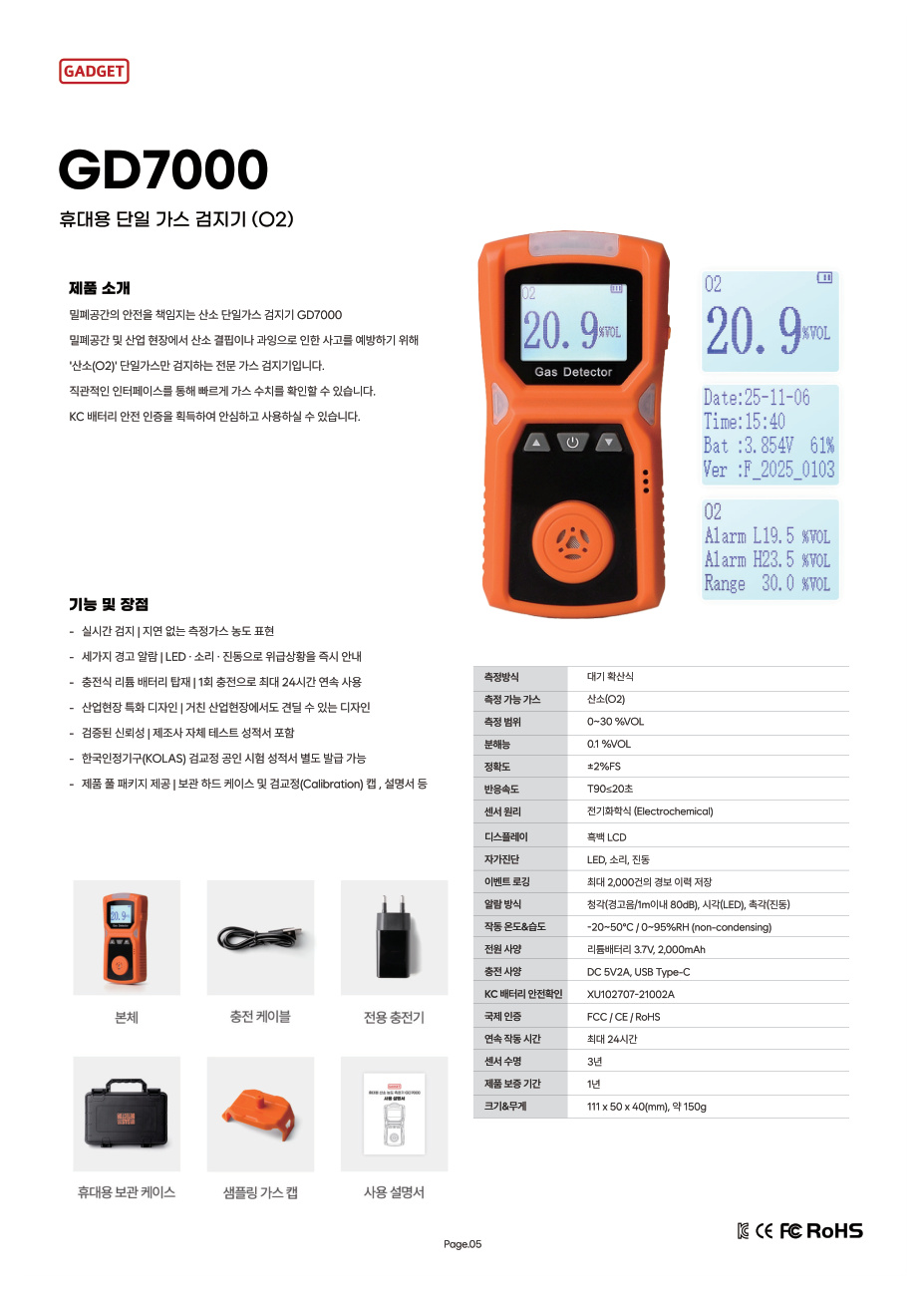
GD7000 measures oxygen by ambient diffusion, with a measurement range of 0–30 %VOL. Readings appear on a monochrome LCD, and alarms use LEDs, sound and vibration. The product information lets you review the basic configuration for oxygen-checking work together.
Product information | What to organize for departmental introduction |
|---|---|
Single-gas oxygen (O₂) measurement | Assigned work and measurement target |
Ambient diffusion | Where the device will be used and positioned |
Monochrome LCD | Display and guidance materials for users |
LED, audible and vibration alarms | Users who will receive the product explanation |
Up to 24 hours of continuous operation per charge | Work start/end times and charging time |
Storage of up to 2,000 alarm records | Management contact for checking each unit’s history |
Filling in the right-hand column makes the specifications’ meaning for your department clearer. If several employees share the same unit, share the display explanation and usage materials, and choose a contact to handle inquiries. Questions about the device can then be collected and passed on during a product consultation.
Plan both the time of use and the time of return
The reason to prepare dedicated equipment is to find and use it when it is needed. Look beyond the department’s work start time to when the unit comes back after use. Seeing how it moves on to the next task helps organize storage and charging schedules.
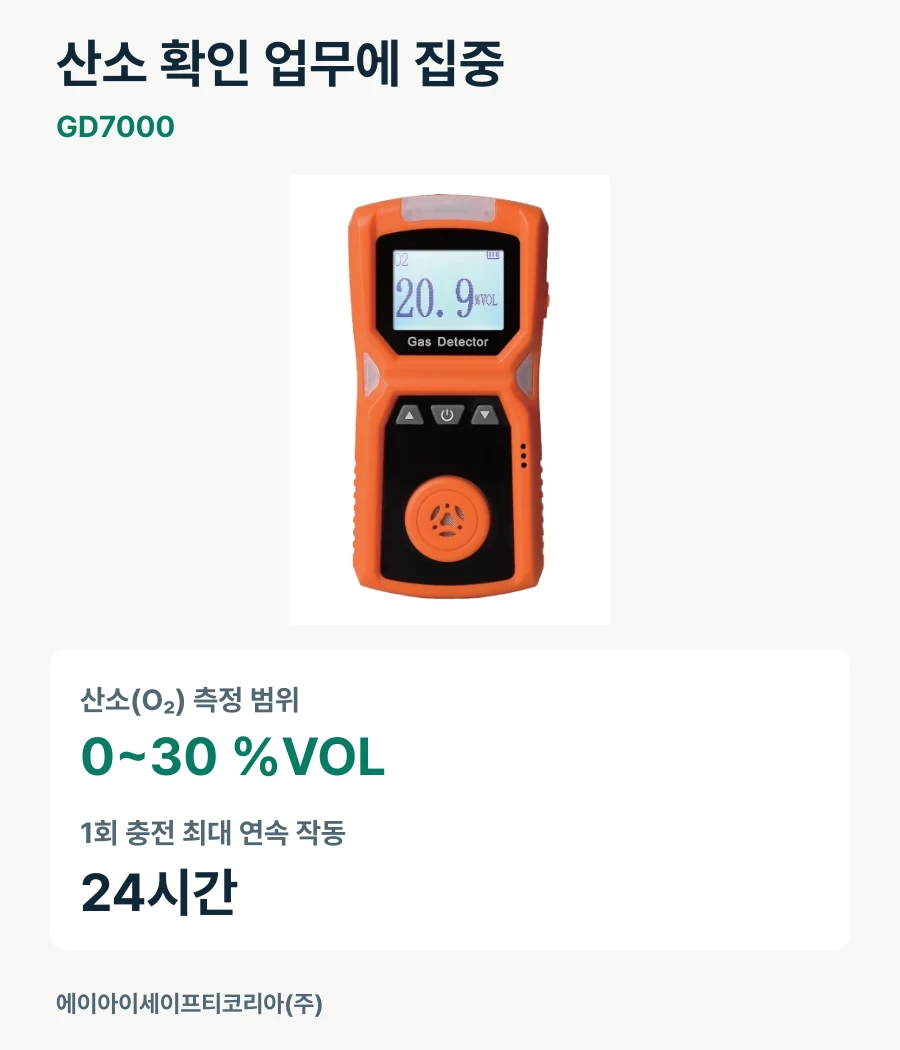
GD7000 offers up to 24 hours of continuous operation per charge. Alongside that specification, record the actual time slots of use, when charging is possible and whether the unit will leave the department. Departments that move equipment often can first organize the return location; those mainly using it in one place can map the sequence of use and charging.
If requests arise in several locations at the same time, share those schedules during consultation too. Distinguishing sequential use, such as “one team in the morning and another in the afternoon,” from overlapping time slots provides a basis for discussing configuration and quantity. Start by laying out the actual schedule rather than choosing the number of units first.
Separate the roles of users, departmental managers and purchasing staff
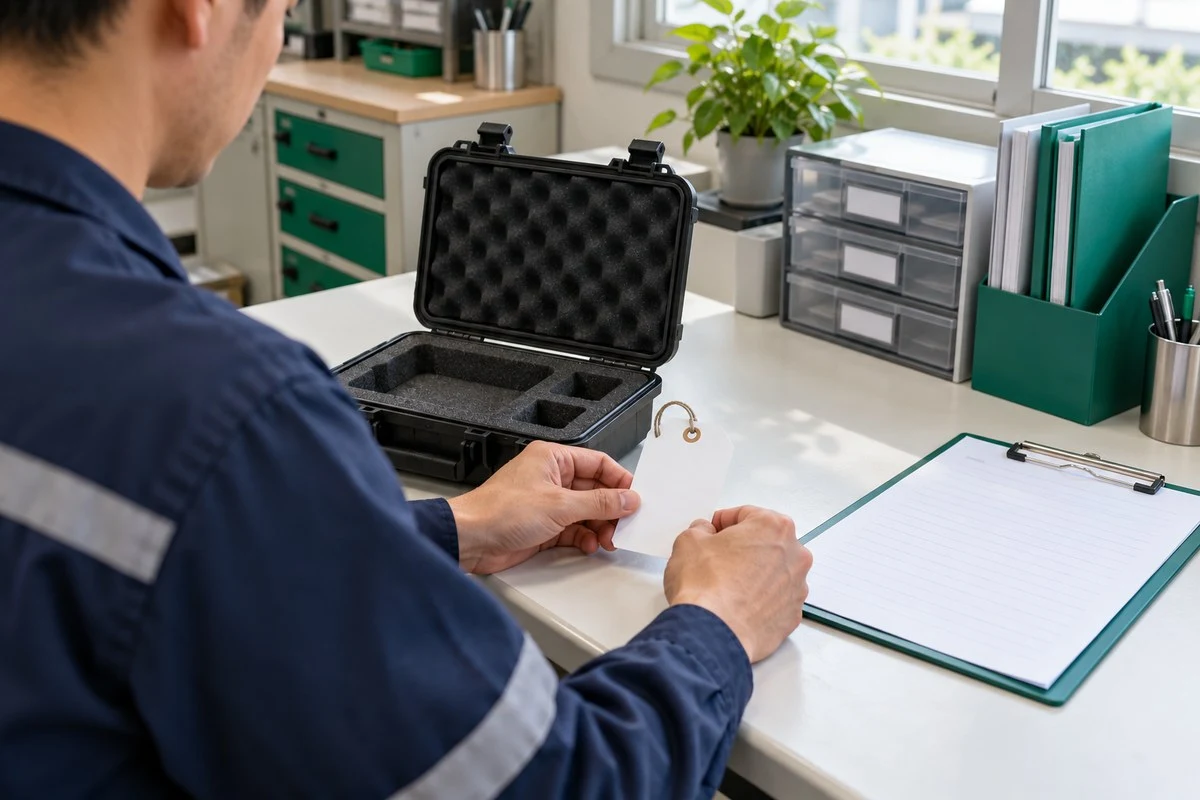
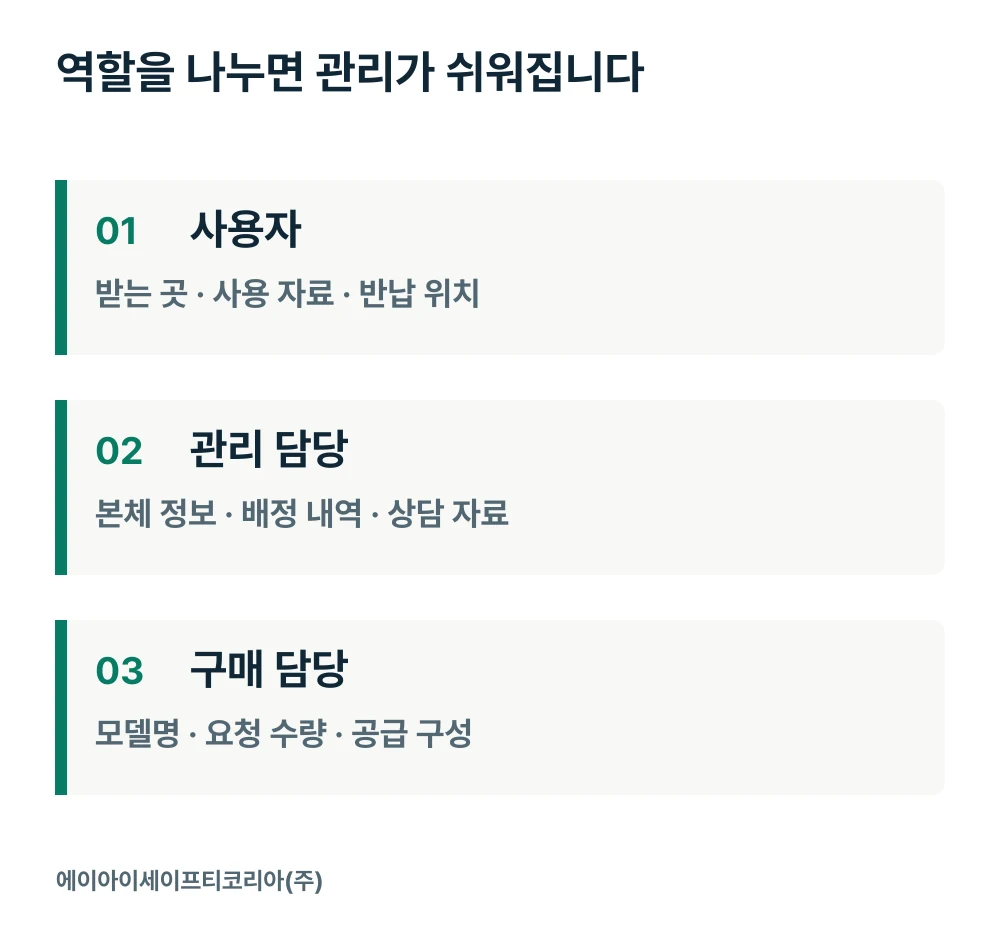
The employee using the unit, the department’s equipment manager and the purchasing contact need slightly different information. Users need to know where to find the equipment and materials; the manager needs to collect unit-specific information and inquiry history. Purchasing staff need to compare the requested purpose with the quoted model and configuration.
Role | Information to organize together |
|---|---|
User | Collection point, usage materials and return location |
Departmental manager | Device identification, assignments and consultation/inspection materials |
Purchasing contact | Model name, requested quantity, component list and supply-related answers |
There is no need to build a complex management system at the outset. Start with a document your department already uses and add the model name, device identification, using department, storage location and management contact. Keeping materials for each unit together makes the information easier to find when another employee takes over.
Include both product and operating information in the quotation request
Adding a few lines about the usage plan to the product name clarifies what the consultation should cover. Tell us first whether this is your first GD7000 or a unit to be prepared separately from equipment held by another department. If an existing device will be reassigned, organize that information alongside the new purchase request.
Department and oxygen-checking work
Usage locations and where the device will be kept
Work start/end times and simultaneous-use schedules
Number of units under consideration and required carrying/charging configuration
Person receiving usage materials and the product inquiry contact
After consultation, bring the product specifications, requested configuration and supply-related answers together in one document. This reduces discussions based on different documents and lets the purchasing contact and using department review any gaps in the preparations together.
Find a dedicated configuration for your oxygen-checking work
GD7000 is a portable model focused on oxygen measurement. Defining your department’s tasks, usage hours and management contact also makes the preparations after product selection easier. Plan one connected flow from receiving and storing the unit to handing it to the employees who will use it.
Tell AI Safety Korea Co., Ltd. which department will use it, what oxygen-checking work it will perform and the operating time slots. We will review GD7000’s specifications and the configuration you need together.
Discuss GD7000 introduction and product options