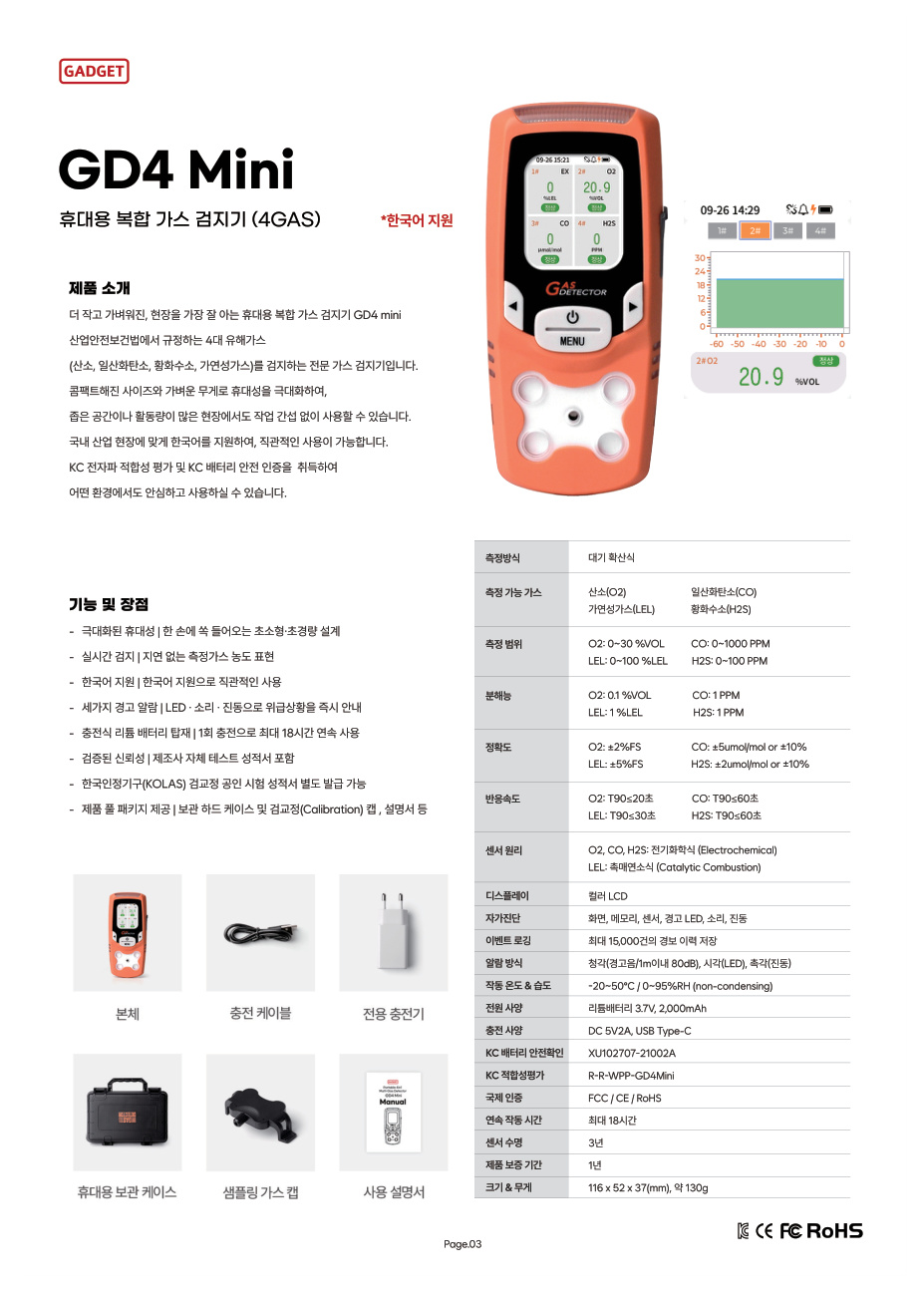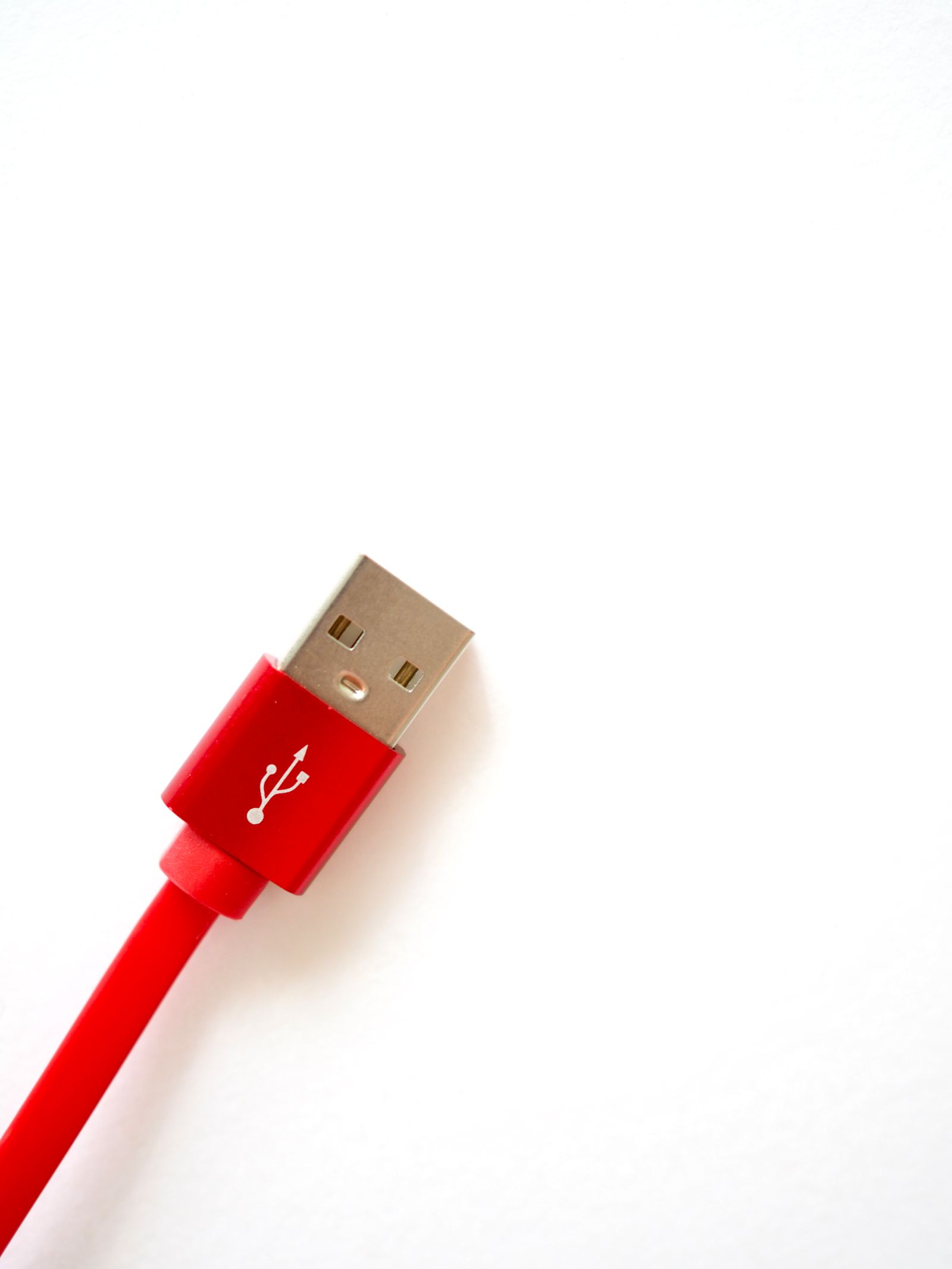
Can you use a phone charger with a gas detector that has the same USB-C connector? A matching USB-C shape means the connector fits physically. The required input conditions and whether the charger and cable are approved for that instrument need to be checked separately. Using the published GD4 Mini materials as an example, let’s explain the difference.
Connector shape and input power are separate conditions
USB Type-C describes the shape of the port and cable connector. By contrast, the instrument’s input voltage and current are the electrical conditions it is designed to receive from an external power source while charging. The fact that a charger plugs in does not tell you whether its output matches the instrument’s input. Even if two devices use USB-C, their power supplies may support different output conditions.
GD4 Mini materials list USB Type-C and DC 5 V 2 A. This can be read as the published input specification, but it does not mean that every phone charger, fast charger, or power bank is approved by the manufacturer. If a charger lists several output combinations, the connector shape alone does not establish which condition will be supplied to the instrument. Check whether the cable is also a specified item, beyond its connector shape. If the product manual or supplied materials provide charger and cable guidance, follow that guidance.
Input power and battery specifications refer to different things
The battery stores electrical energy inside the body, while the input specification describes the conditions for power entering from an external source. These figures describe different things, so a difference between them is not in itself a contradiction. For example, a battery voltage and a charger’s output voltage are not the same kind of specification to compare directly. Check the item labels in the product information to see which value refers to the battery and which to the input.
The cable and charger work together as a configuration. Therefore, you cannot determine official compatibility just by glancing at one adapter output value or testing whether it connects to the same port. The 5 V 2 A figure in GD4 Mini materials is input information, not a list of approved third-party power supplies. If the current published materials do not confirm compatibility for a replacement adapter, cable, or power bank, it is more accurate not to claim that it is compatible.
If the instrument does not charge, noting the model, labels on the adapter and cable, and the observed symptom will make a support inquiry more specific. Do not assume from appearance alone whether the power supply, cable, port, or instrument body is the cause. Follow the current manual for the specific product for charging conditions. Tell AI Safety Korea Co., Ltd. that you have a GD4 Mini and share information about the charging accessories you want to use, and we can review the available configuration and guidance.
Compare the output label with the instrument input specification on the same basis
A charger label may list output voltage and current, while the product manual shows the instrument’s input conditions. These describe, respectively, what the power supply delivers and what the instrument can receive. A USB-C connector links them, but its appearance does not establish whether the electrical conditions match. When comparing chargers, check the model manual’s input conditions together with guidance for the supplied adapter and cable instead of looking only at the USB-C shape.
Suppose the instrument document lists a particular input value and the charger shows several output combinations. Even if one output number appears to match, that is not enough unless you confirm which combination will be supplied and whether the instrument supports that method. This hypothetical example explains how to compare labels; it does not mean GD4 Mini supports a particular phone charger or fast-charging method. Do not assume that an unconfirmed combination is compatible.
The cable is also part of the power path. Even when the connectors fit, check whether the cable is part of the specified configuration for the product and follows the instrument’s guidance. If a problem occurs, changing only the adapter may leave the cable or instrument as a possible cause. However, reading labels alone does not let a user diagnose which component has failed; follow the model-specific guidance.
The battery specification describes energy stored inside the body, while the input specification describes the external electrical conditions during charging. Because charging takes place between them, the values can naturally differ; they do not need to match. In short, check the connector shape, input conditions, and specified cable and charging configuration in that order. A connection at the first step does not confirm approval at the next step.
This distinction is also useful where shared equipment uses chargers from different devices. A charging port with the same shape does not justify assigning one adapter for use with every instrument. Pair the charging configuration with the model and supplied guidance. This explanation is not an approval process for shared chargers; it means only that connector shape alone cannot establish compatibility.
Ask about GD4 Mini charger compatibility