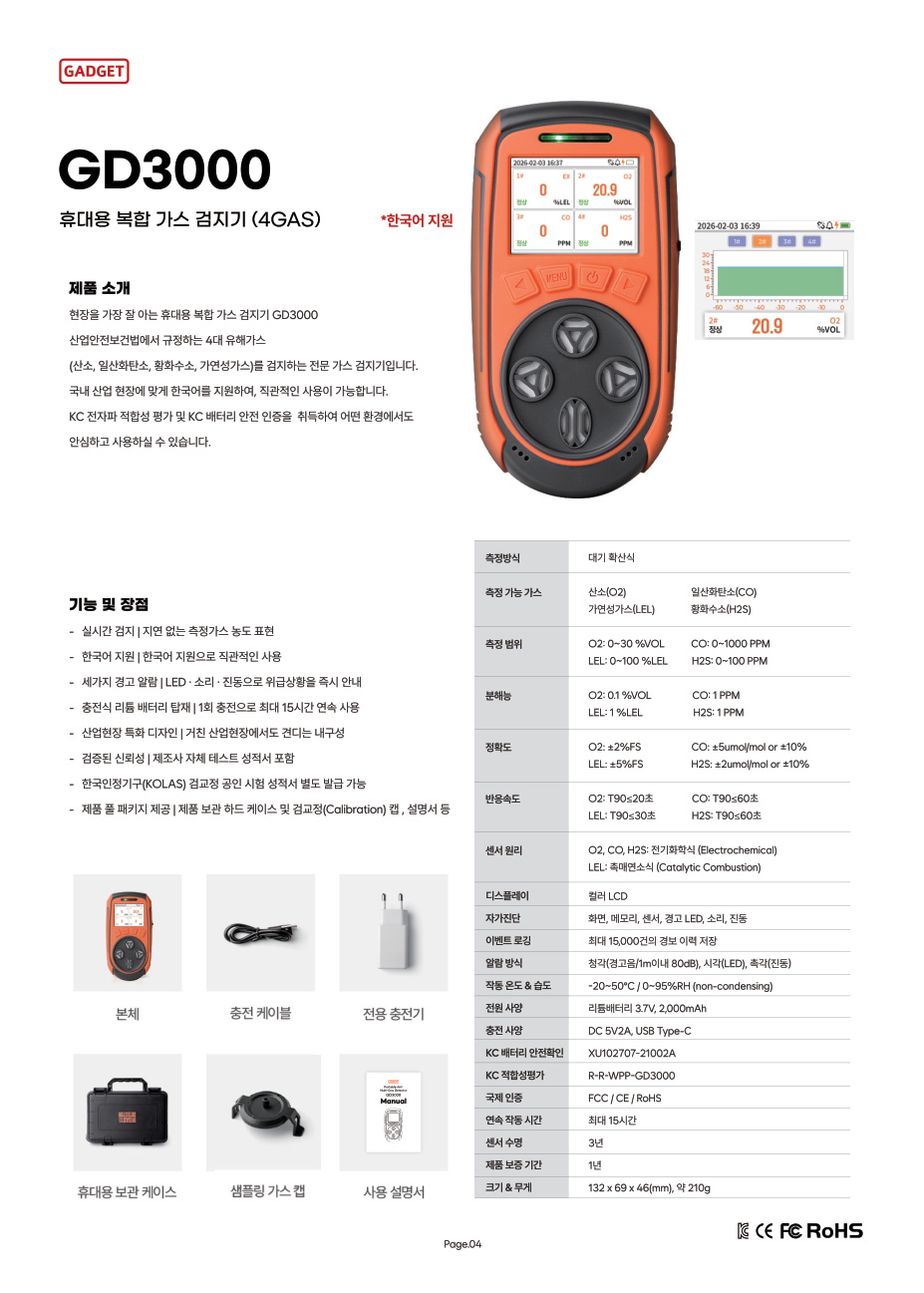
When you build a comparison table with product catalogs and quotations open, one source may use PPM while another shows %VOL or %LEL. Column orders also differ, so you have to find the values again. Start with one row per gas, keeping the range and unit together.
Add two more fields to your purchase specification: the wording in the original document and that document’s location. Buyers can compare matching items, while the user department can quickly see which specifications were reviewed.
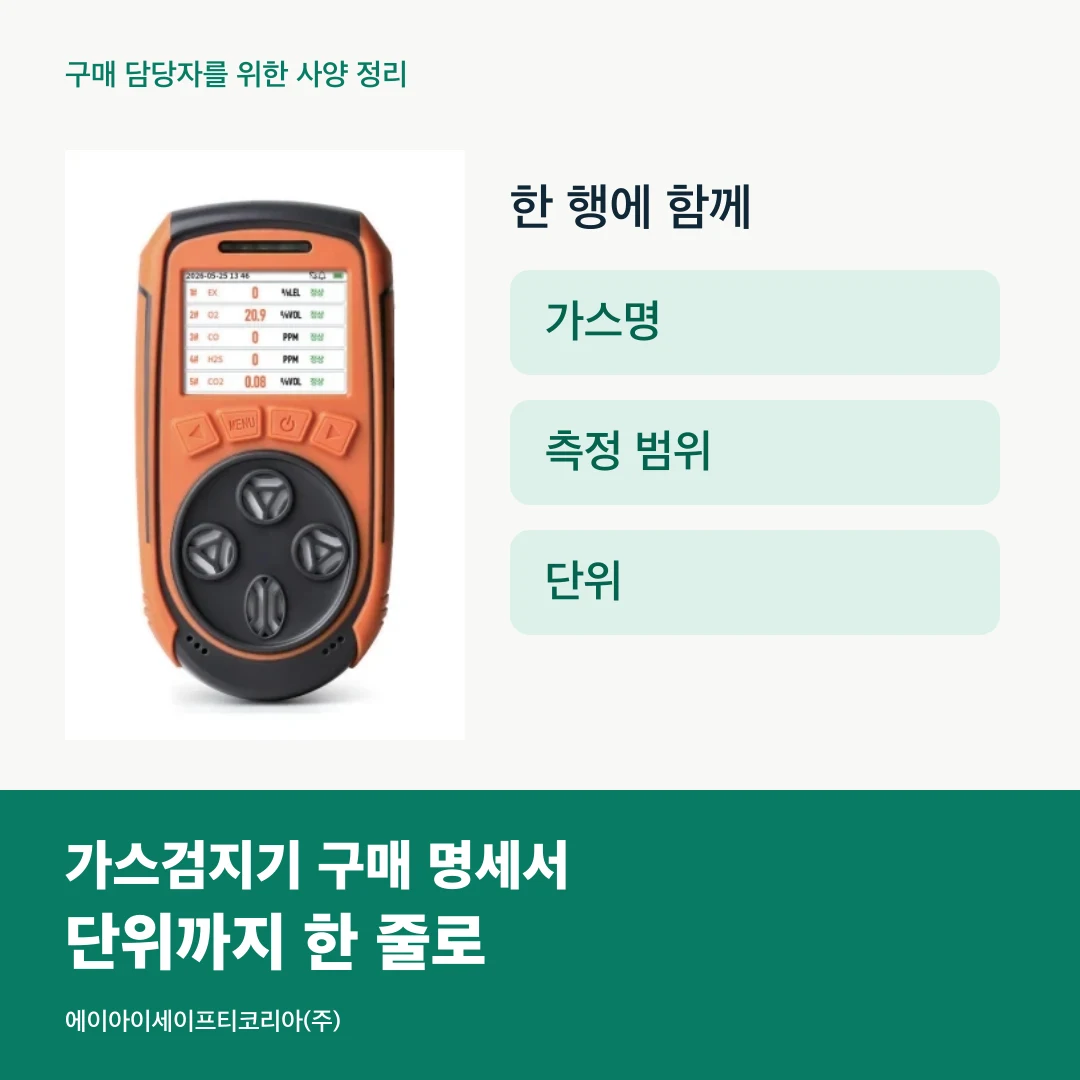
Start the comparison with gases rather than models
When placing several products in one table, first list the gases to be measured vertically. Defining items such as oxygen (O₂), carbon monoxide (CO), hydrogen sulfide (H₂S), combustible gas (LEL) and carbon dioxide (CO₂) makes it clear which cells to find in product documentation.
Next, add the model being compared beside each gas. A model that measures several gases will occupy several rows. This makes it easier to keep the model and item together when the purchasing team emails part of the table or the user department asks about one particular gas.
Which order works best? Start with the order requested by the user department and apply it to every candidate. Even if catalog orders differ, readers can find each item in the same place in the specification.

Place the unit field beside the number
Set out four adjacent fields: `model / gas / measurement range / unit`. Write both the starting and ending values of the range, with the unit immediately beside them. When sharing in a sentence or message, send the information as a single group, such as “GD3000 · CO · 0–1,000 PPM.”
A separate unit column can help align numbers in the table. For the final table you share, also create a display column combining gas, range and unit. You can manage the original inputs conveniently while keeping the necessary information intact when copying to another document.
The example below transfers actual product information into a purchasing comparison. Find the gas row first, then read its range and unit.
Gas | GD3000 measurement range | GD5 PRO measurement range |
|---|---|---|
O₂ | 0–30 %VOL | 0–30 %VOL |
CO | 0–1,000 PPM | 0–1,000 PPM |
H₂S | 0–100 PPM | 0–100 PPM |
LEL | 0–100 %LEL | 0–100 %LEL |
CO₂ | Not a measurement channel | 0–5 %VOL |
This table shows four gases for GD3000 and five, including CO₂, for GD5 PRO. First check whether the rows for your required gases are filled. Then add other purchasing conditions, such as operating time and carrying configuration, to keep the comparison orderly.
See the full specifications on the GD3000 product page and GD5 PRO product page.
Keep original and review wording separately
As you gather documents, `PPM` and `ppm`, spacing and range separators may be mixed. Choosing one notation for the purchase specification makes the whole table easier to read. For example, this comparison follows the catalog’s PPM, %VOL and %LEL notation and places one space between the number and unit.
Also retain a column for the wording in the original source. Separating edited notation from the original makes changes easier to trace when the catalog is updated or another colleague takes over. Add a page number or link so the same location in the document can be opened again.
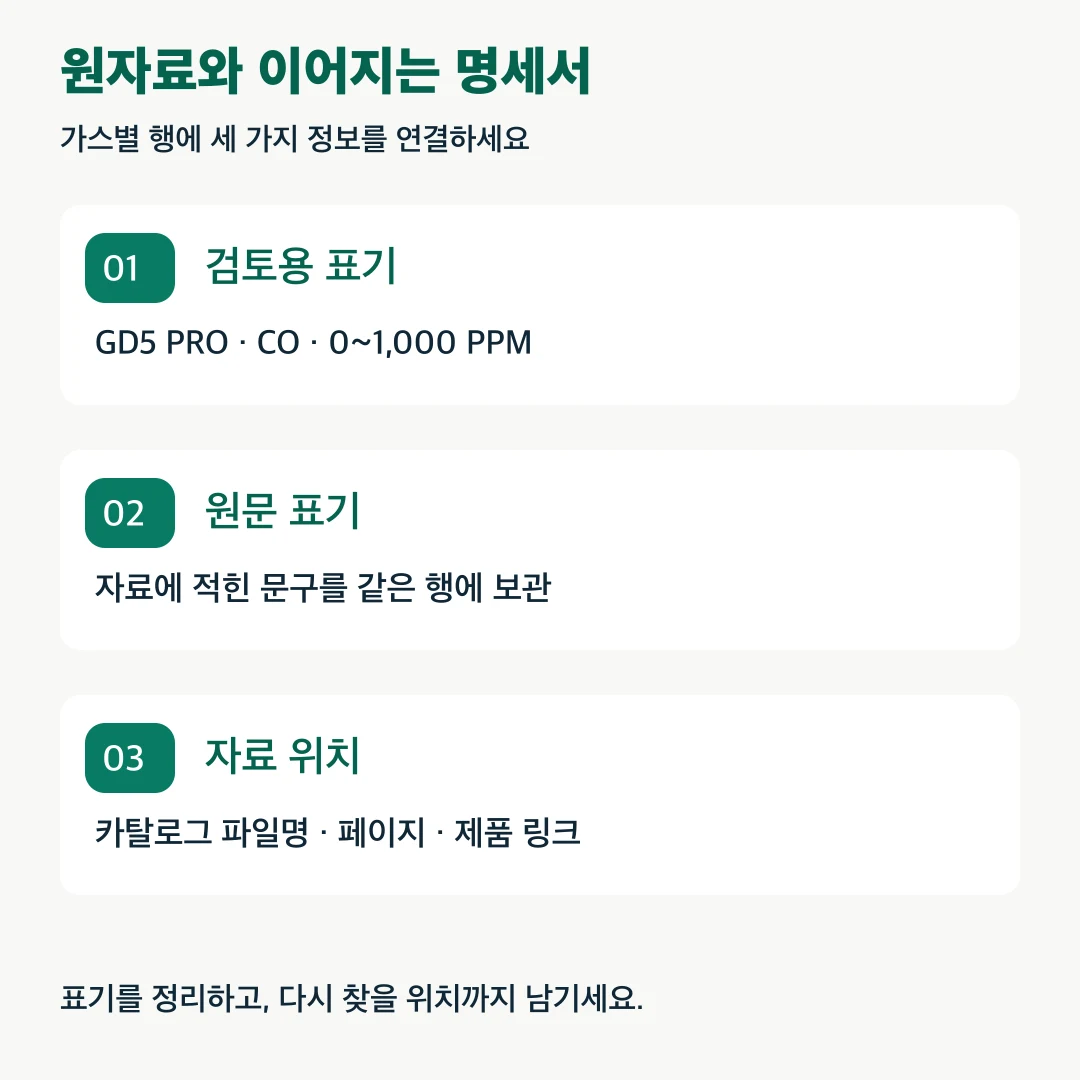
For example, connect the GD5 PRO CO row to the review notation `0–1,000 PPM`, the original wording and the catalog’s measurement-range section. The person compiling the table and the person reviewing the product can continue the discussion from the same source.
Compare requirements and product specifications in two columns
Now put the user department’s requirements beside the product specifications. In the `requirement` column, write the required gas, range and unit. In the `product documentation` column, enter the model’s values. Finally, add a `result or question` column.
If the request names only a gas, leave a question about the required range. If documents show different notation, record the filename and page together. The more specific your questions, the faster the product discussion can focus on the relevant points.
To compare accuracy or response time as well, add separate rows for those items. Keep the item names instead of merely changing numbers in the measurement-range row, so reviewers can immediately see which function the condition concerns. Continue using the same item names in the final purchase conditions table.
Ask suppliers to reply in the same format
Sending the organized specification with your quotation request makes it easier to transfer supplier replies into matching fields. Ask first for each model’s gas list, range, unit and reference location. Receive product configuration and required documents as separate items.
After receiving a reply, enter the model and document version at the top of the table. When a revised quotation or catalog arrives, record the changed rows and confirmation date. You can begin with what changed in the latest reply instead of spending time finding previous values.
Before sharing, check the following:
Does every row contain both model and gas?
Are starting value, ending value and unit filled in?
Can original notation be checked against review notation?
Is there a catalog filename, page or product link?
Are requirement and product-document values in separate columns?
Are the latest reply date and additional questions organized?

Bring your required specifications to a consultation on one sheet
A purchase specification collects product information and communicates the user department’s requirements. Combining gas, range and unit on one line and linking the original source keeps your questions clear while comparing several models.
Tell AI Safety Korea Co., Ltd. about the specification you are preparing and the models to review. Review the required measurement items and product documents together to organize your purchase conditions.
Discuss gas detector products and specifications