A CO₂ meter catalog presents sensors, ranges, operating time and accessories all at once. When building a purchasing comparison, add one more column beside the specifications: “What our work needs.” Connecting the same information to its intended use makes the items to check much clearer.
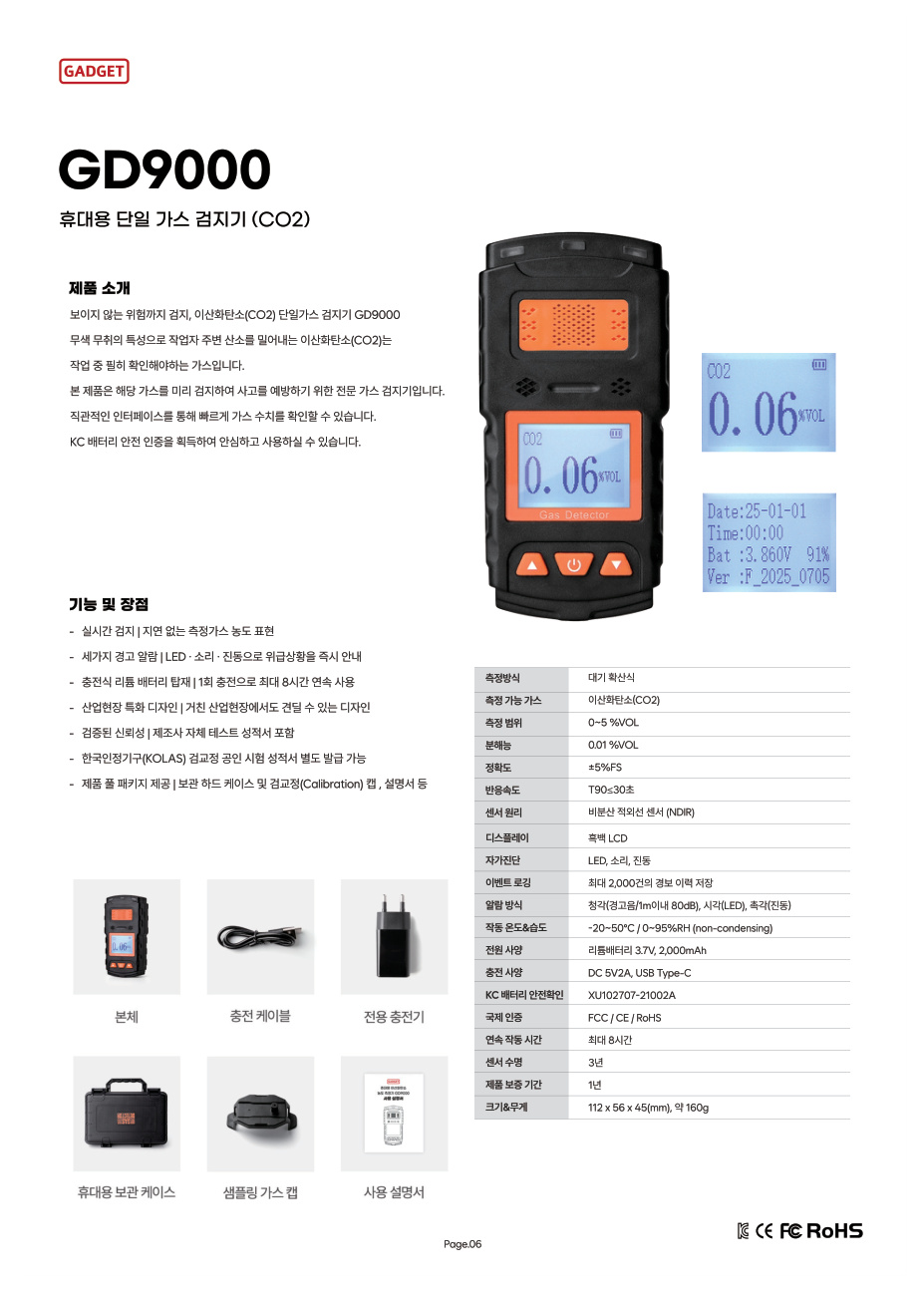
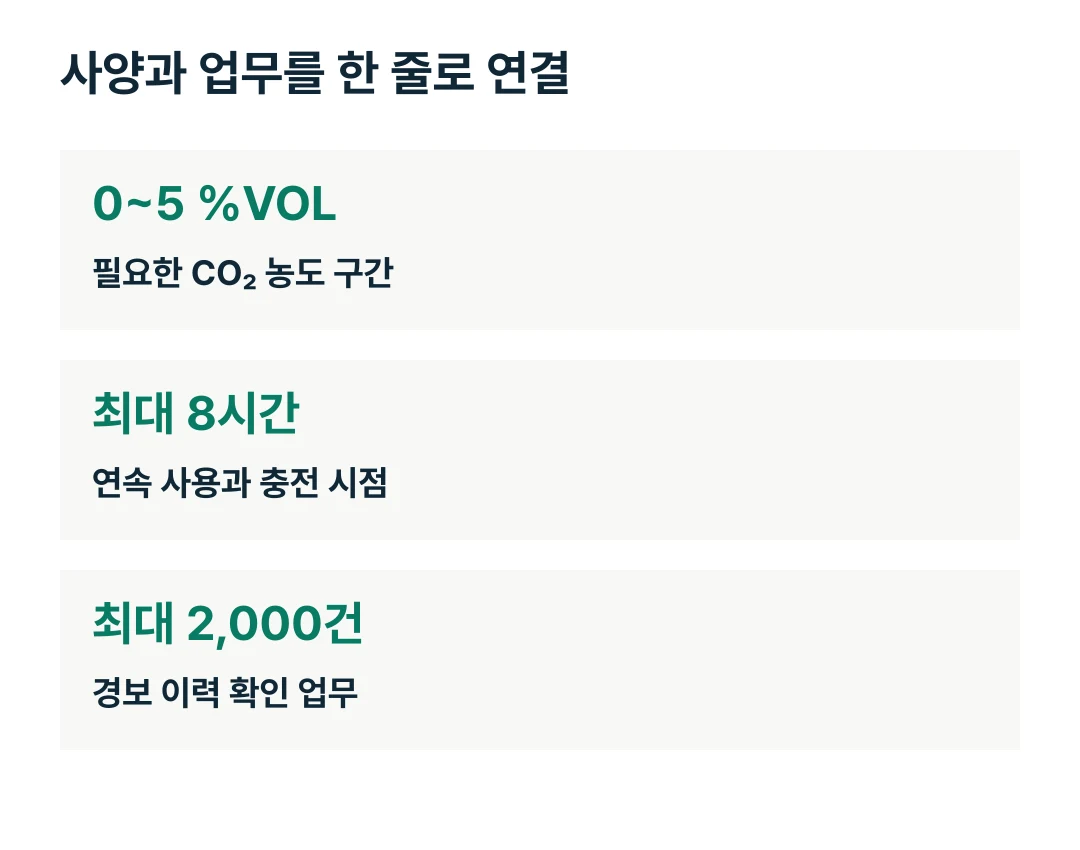
The GD9000 is a portable single-gas detector for CO₂. It features an NDIR sensor, a measurement range of 0–5 %VOL, storage for up to 2,000 alarm records, and up to 8 hours of continuous operation per charge. Organize this information into measurement, use, records and supplied items, and you have a table ready for a purchasing discussion.
Four columns are enough to get started
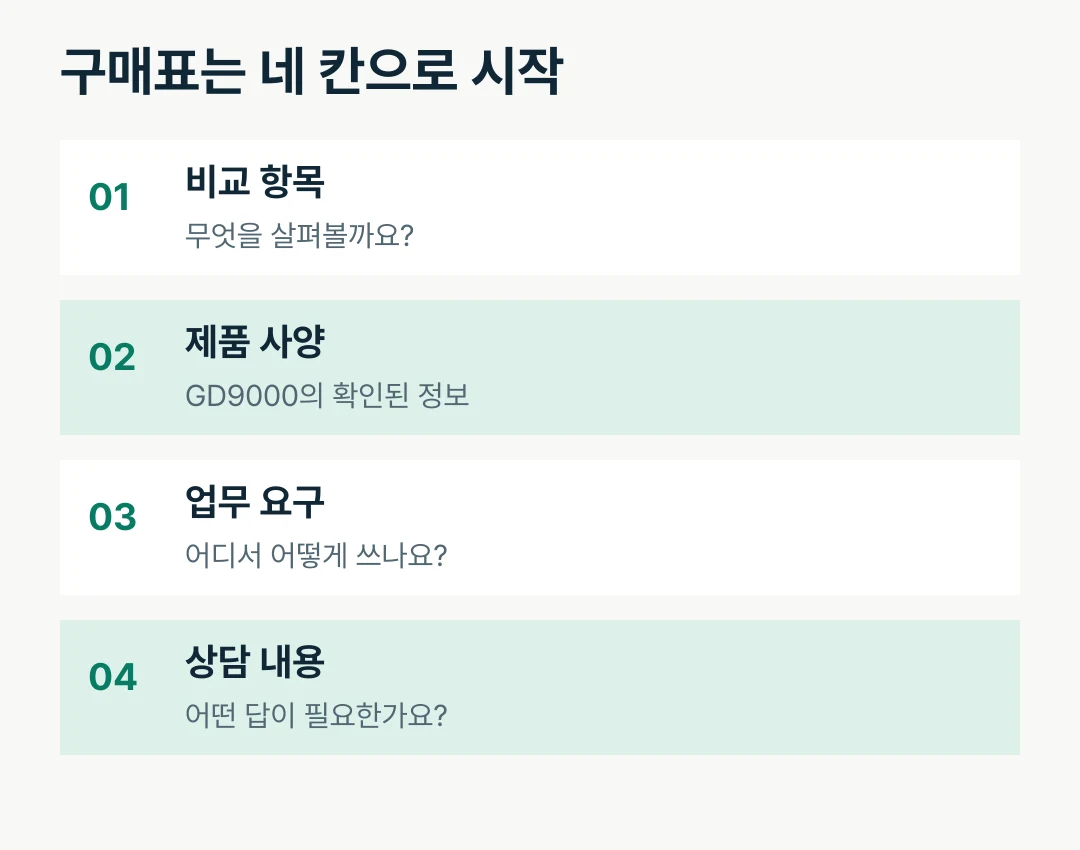
Put the comparison item in the first column, product specifications in the second, work requirements in the third, and questions for the consultation in the last. This layout brings product information and requests from the user department together on one page.
Comparison item | GD9000 specifications | What to record about your work | What to discuss |
|---|---|---|---|
Target gas and sensor | CO₂ · NDIR | Measurement purpose and location | Measurement configuration for the task |
Measurement range | 0–5 %VOL | Required concentration interval and display unit | Compare the required range with the specifications |
Operating time | Up to 8 hours per charge | Duration of each use and charging time | Charging and allocation plan |
Alarm history | Up to 2,000 records | Who checks alarms and for which tasks | Guidance for checking the history |
Portability | Approx. 160g, 112×56×45mm | Travel route and storage location | Carrying and storage setup |
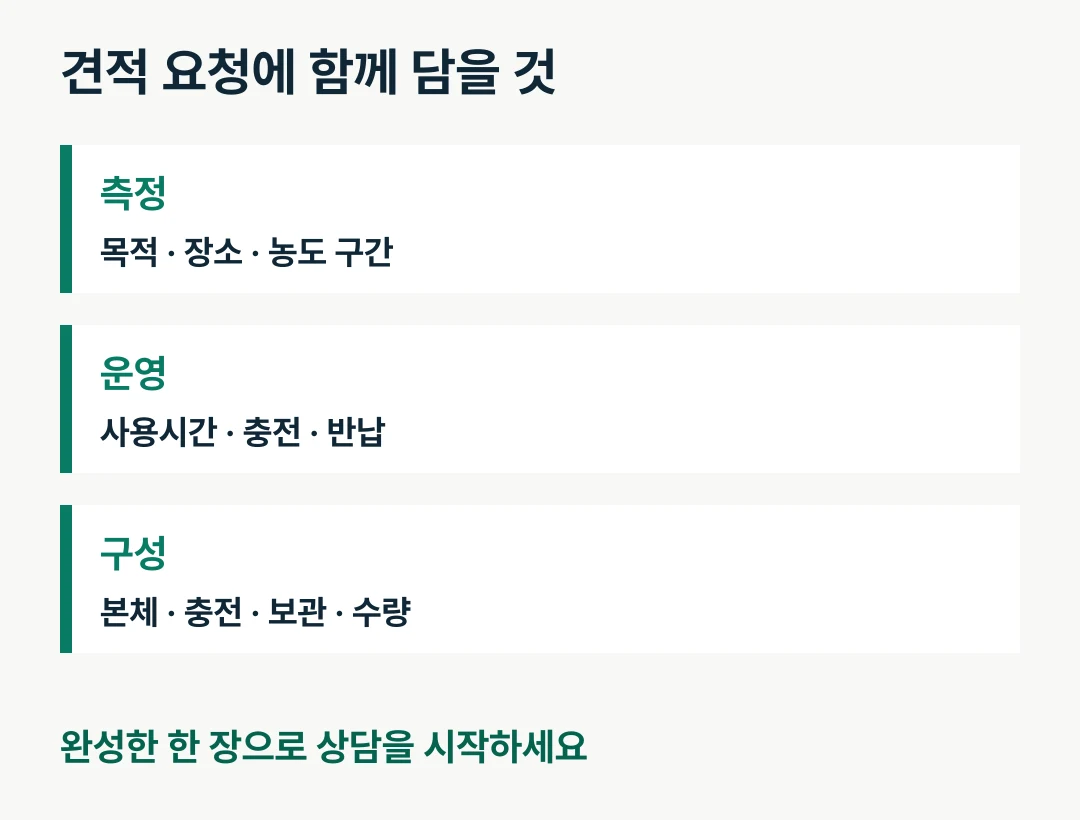
Supplied items | Main unit and accessories in the catalog | Required items and quantities | Configuration to include in the quotation |
Have the purchaser fill in the specifications column and complete the work-requirements column with the department that will use the device. The more specific the last column is, the less often you will need to explain the same question twice during the consultation.
Group the NDIR sensor and measurement range together
The GD9000 uses a non-dispersive infrared, or NDIR, sensor. Place the sensor name, target gas CO₂ and measurement range of 0–5 %VOL in the same area of the purchasing table. This connects the reason for selecting the product with its key measurement specifications at a glance.
Ask the user department which concentration interval it wants to check and which units its internal documents use. With these two details, the people reviewing the quotation and the people using the equipment can discuss it on the same basis.
When reviewing the display, you can also record the catalog’s resolution of 0.01 %VOL. Give “range” and “resolution” their own rows so the measurement interval and display increments are easy to find. Place the items relevant to this purchase first rather than copying the entire specification sheet.
View specifications on the GD9000 product page

Record the start and charging times beside operating time
Alongside “up to 8 hours,” enter the actual usage schedule. Briefly note when the equipment will be switched on to begin work, when use will finish, and where charging will take place. This lets you review the department’s daily schedule alongside the product specifications.
Some days may involve several brief checks; on others the device may remain on for a long time. Start the purchasing discussion with the longest continuous period of use. Add whether several people will take turns or one person will remain responsible, and the operating plan becomes more specific.
Place portability details in the same area. The GD9000 measures 112×56×45mm and weighs approximately 160g. Beside these figures, note whether the job involves frequent movement and where the device will be returned at the end of work. This makes it easier to review the carrying case and charging location together.
Connect alarm history with the checking task
The GD9000 stores up to 2,000 alarm records. After the storage capacity, write down “who checks the history, and for which task.” If there is a defined process for checking details after an alarm, you can prepare the relevant guidance as well.
For example, the user can report whether an alarm occurred when returning the device, after which the administrator checks that unit. Recording the equipment management number and user name in the return log makes it easier to identify which device to inspect.
The display is a monochrome LCD, and alarms are indicated by LED, sound and vibration. Separate the display and alert items in the purchasing table to keep the product photos and explanatory materials for users concise. If an employee is receiving the equipment for the first time, request guidance on both the display and alarms.
Include the carrying kit to make the quotation easier to read
The catalog introduces the main unit, charging cable, dedicated charger, portable storage case, sampling gas cap and user manual. List the items needed in the final section of the comparison table and match them one by one with the quotation’s supplied items.
For a first introduction of the equipment, it helps to decide where it will be stored and charged after use. If you already have equipment, prepare the names and photos of its current accessories. You can then list additional needs by product name and quantity.
Give accessories separate rows from the main unit. A request that distinguishes the unit, charging, storage and guidance materials conveys the purchasing scope more precisely than a single line saying “a number of GD9000 units.” It also makes like-for-like comparisons easier when you receive multiple quotations.
Start the consultation with your completed page
Finally, check the empty cells. With the following information, you can move beyond listening to a product explanation and discuss the actual introduction setup.
The task and location where CO₂ will be checked
Required measurement interval and display unit
Longest continuous usage period and charging time
Users, and the return and storage process
The person responsible for checking alarm history
Required quantities of main units and accessories
Bring the GD9000 specifications and the user department’s requirements together on one page. Share your completed purchasing table with AI Safety Korea Co., Ltd., and we will review the required product configuration and discussion points with you.
Discuss GD9000 introduction and request a quotation